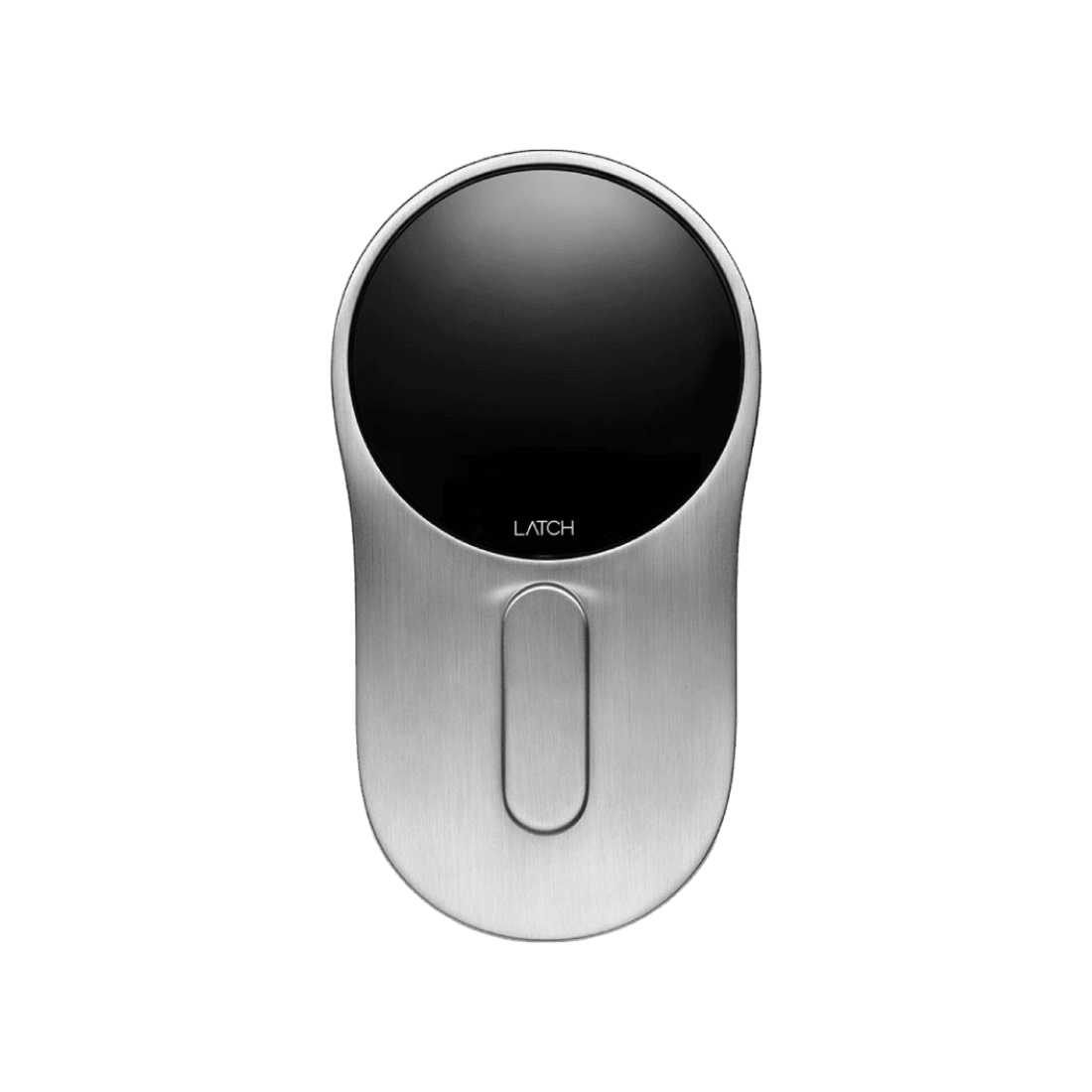
Latch C2
The Latch C2 is an advanced, manually operated deadbolt designed for streamlined access and enhanced reliability. With a compact, non-motorized design, it eliminates the potential issues associated with motorized locks while still offering multiple unlock methods for user convenience. Its 6 AA non-rechargeable batteries ensure extended usage and are supported by an inductive jumpstart feature for emergencies. The Latch C2's firmware is updated seamlessly via the Latch Manager App, and the device is built with comprehensive troubleshooting in mind, including support for environmental factors and door alignment issues. This model combines a sleek, modern design with practical, user-friendly features, making it a versatile choice for secure access management.
 Latch
LatchAmericas
United StatesDOOR / Latch online store (shop.door.com)The visitor can buy from DOOR / Latch online store (shop.door.com) — the manufacturer's own shop, which does serve them and does stock this device.CanadaLatch pageNo retail listing and no manufacturer shop serving this country, so the visitor is sent to the manufacturer's product page — which informs rather than sells.MexicoLatch pageNo retail listing and no manufacturer shop serving this country, so the visitor is sent to the manufacturer's product page — which informs rather than sells.BrazilLatch pageNo retail listing and no manufacturer shop serving this country, so the visitor is sent to the manufacturer's product page — which informs rather than sells.Western Europe
United KingdomLatch pageNo retail listing and no manufacturer shop serving this country, so the visitor is sent to the manufacturer's product page — which informs rather than sells.IrelandLatch pageNo retail listing and no manufacturer shop serving this country, so the visitor is sent to the manufacturer's product page — which informs rather than sells.FranceLatch pageNo retail listing and no manufacturer shop serving this country, so the visitor is sent to the manufacturer's product page — which informs rather than sells.GermanyLatch pageNo retail listing and no manufacturer shop serving this country, so the visitor is sent to the manufacturer's product page — which informs rather than sells.AustriaLatch pageNo retail listing and no manufacturer shop serving this country, so the visitor is sent to the manufacturer's product page — which informs rather than sells.SwitzerlandLatch pageNo retail listing and no manufacturer shop serving this country, so the visitor is sent to the manufacturer's product page — which informs rather than sells.BelgiumLatch pageNo retail listing and no manufacturer shop serving this country, so the visitor is sent to the manufacturer's product page — which informs rather than sells.LuxembourgLatch pageNo retail listing and no manufacturer shop serving this country, so the visitor is sent to the manufacturer's product page — which informs rather than sells.NetherlandsLatch pageNo retail listing and no manufacturer shop serving this country, so the visitor is sent to the manufacturer's product page — which informs rather than sells.Southern Europe
ItalyLatch pageNo retail listing and no manufacturer shop serving this country, so the visitor is sent to the manufacturer's product page — which informs rather than sells.SpainLatch pageNo retail listing and no manufacturer shop serving this country, so the visitor is sent to the manufacturer's product page — which informs rather than sells.PortugalLatch pageNo retail listing and no manufacturer shop serving this country, so the visitor is sent to the manufacturer's product page — which informs rather than sells.Asia-Pacific
JapanLatch pageNo retail listing and no manufacturer shop serving this country, so the visitor is sent to the manufacturer's product page — which informs rather than sells.AustraliaLatch pageNo retail listing and no manufacturer shop serving this country, so the visitor is sent to the manufacturer's product page — which informs rather than sells.Automate the Latch Latch C2 with Seam and start managing your devices today.

Latch C2
Control This Device With Seam API and Latch
Connect your Latch with Seam API to use these features.
Capabilities
What you can do with this device, using Seam API.
Device Connectivity
Device has built-in server connectivity
Control Access Remotely with Latch Latch C2
The Latch C2 by Latch supports remote unlocking via the Seam API.
Beyond admin or staff workflows, you can embed an "Unlock" button directly inside your customer-facing app, allowing authorized end-users to open a door, gate, or locker themselves during their reservation or membership window—no front-desk hand-off required.
This pattern works particularly well for:
- Spas, wellness, and yoga studios: let members unlock treatment rooms, lockers, or studios on arrival
- Golf practice ranges: unlock bays, ball machines, or driving-range gates from the customer's app
- Tennis and racquetball clubs: authorize court access during the booked time slot, with no front-desk hand-off
- Fitness studios and gyms: give members 24/7 self-service entry tied to their active subscription
- Co-working spaces and shared offices: let members open the front door or private suites from a branded app
You can also trigger unlock actions programmatically—for example:
- Add a button in your app or admin dashboard to unlock a door or gate
- Allow staff to remotely grant access during a reservation
- Enable backup access in case a user cannot use their code
- Build simple interfaces for operators to manage access live
Combined with scheduling or reservation logic, this allows you to create flexible access experiences—for example, enabling a "Unlock" button that only works during an active booking time window.
More smartlock models from Latch
Compare other entries in this manufacturer's device catalog. Check each model's integration status, capabilities and setup requirements.