Camera events. With the footage.
Connect your app to Ring, Arlo, Tapo, Reolink, Ubiquiti UniFi, and Hikvision. Bring camera activity, available recordings, and live video into one interface.
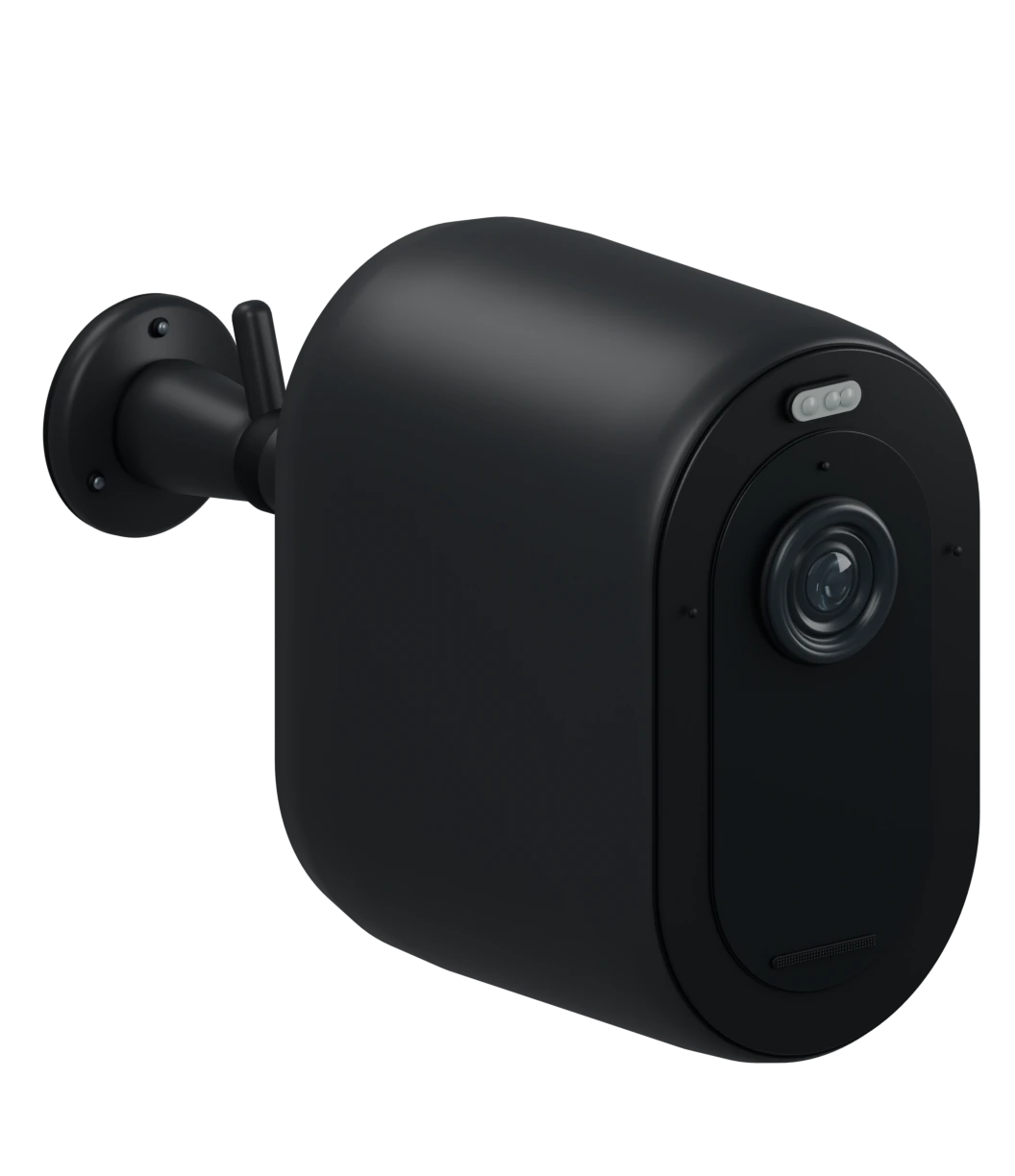
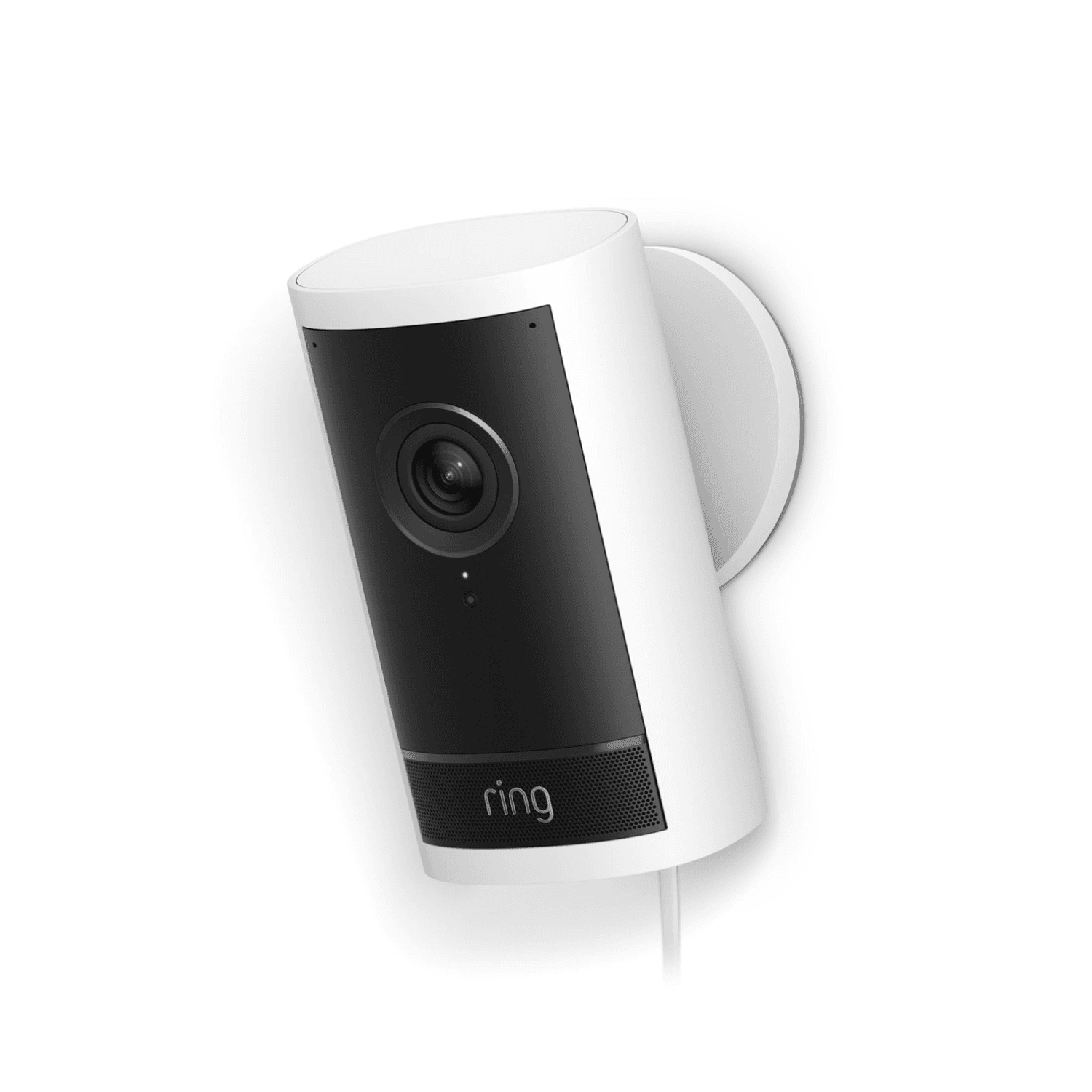
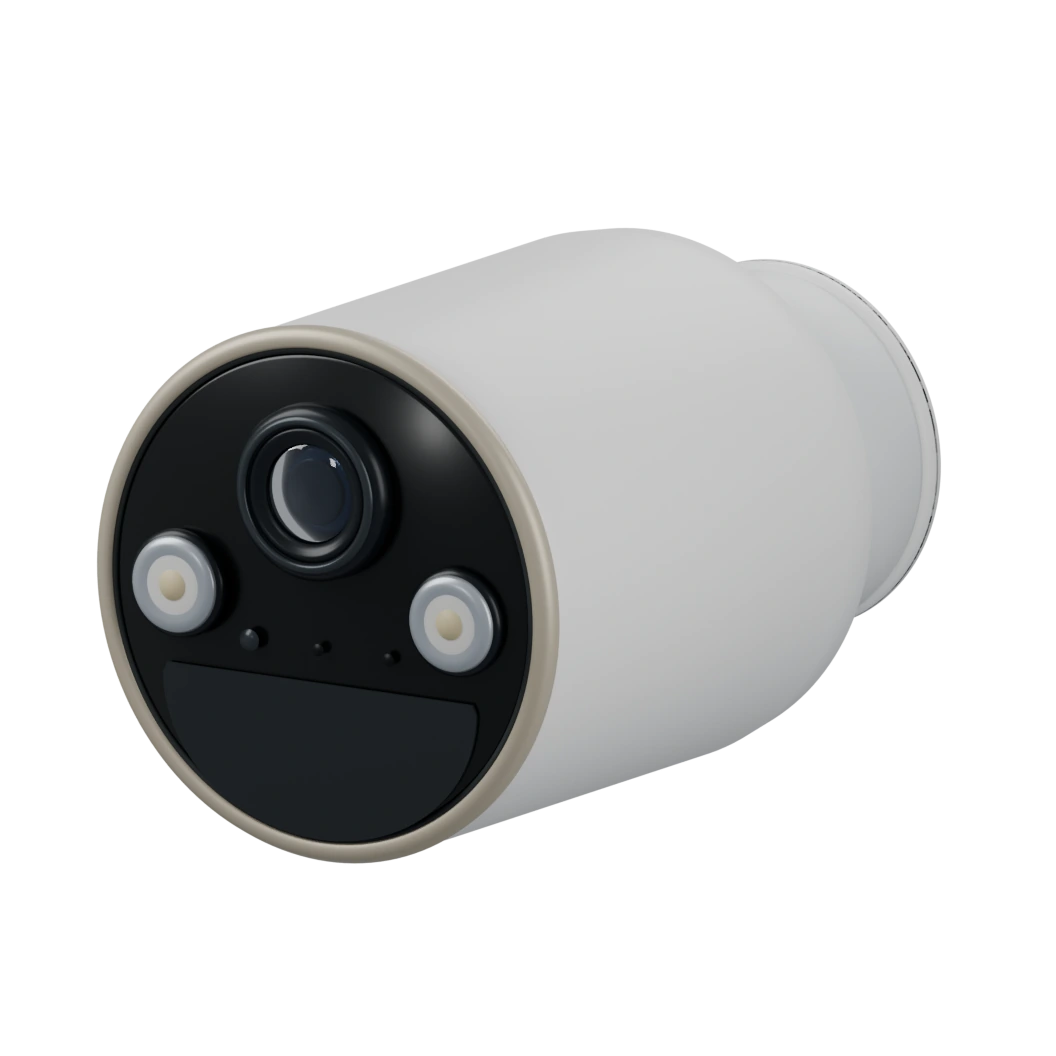
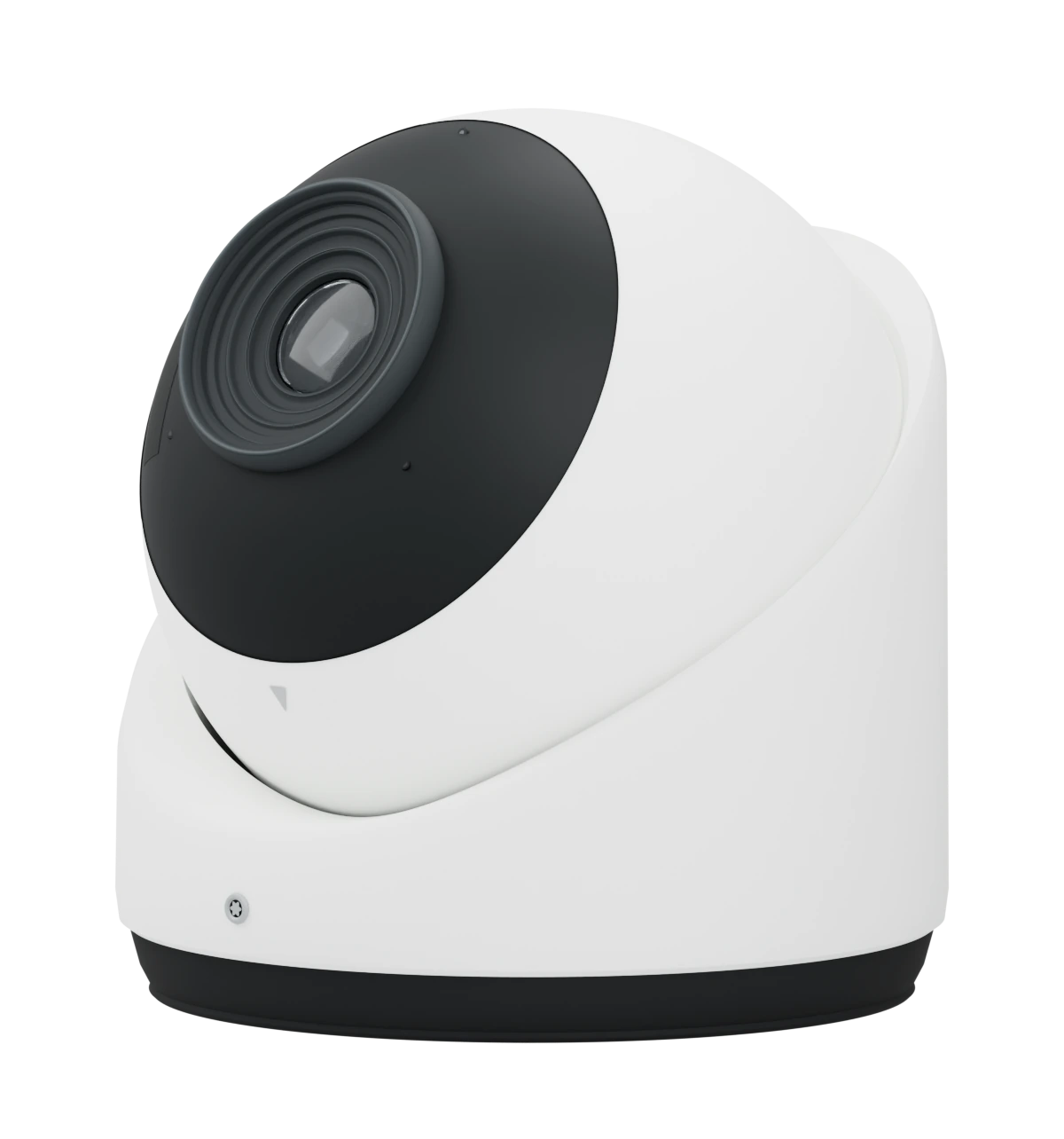
Camera events and recordings. Across brands.
Build camera experiences across Ring, Arlo, Tapo, Reolink, Ubiquiti UniFi, and Hikvision. Add motion alerts and available recordings to your app through a common API.
Motion events and Ring doorbell presses
Recorded clips and thumbnail images
Events in a common webhook format
Cloud recordings and local media via Seam Bridge
Live view inside your app
See what triggered the event. Receive motion alerts and retrieve the footage.
A moment of motion becomes a webhook, then a clip in your app. Follow the event from the camera to the recording.
- Next: Detect motion
- Next: Receive event
- Next: Retrieve media
POST /webhooks/seam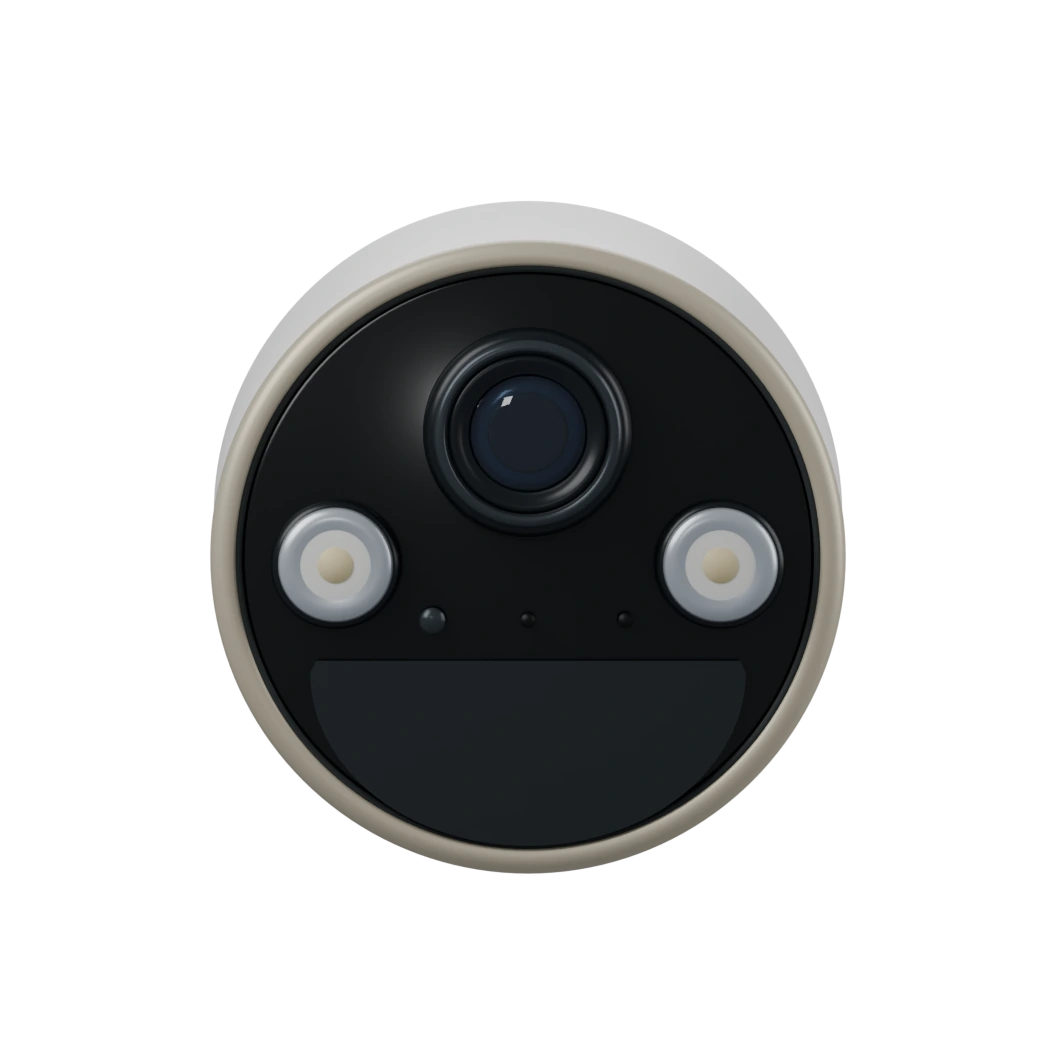
Illustrative camera demo with a white security camera. Waiting for motion.
seam media get \
  --media-id $MEDIA_ID
Live view in your app. Beside the event history.
Show a live view from Ring, Arlo, and Tapo cameras next to each camera's recent events and their media. Video plays over WebRTC in a standard video element, one viewer per camera at a time.
Optional audio
Recent eventsShipping yard
- Motion · TodayMedia
camera.activated- media_ids[0]
- videoavailable
- media_ids[1]
- imageavailable
- Motion · TodayMedia
camera.activated - Motion · TodayMedia
camera.activated - Motion · YesterdayMedia
camera.activated
Pair what happened. With who was there.
Cameras and locks share one event stream. Show the clip next to the unlock it explains, check the door before a remote unlock, or send a Ring doorbell snapshot to the front desk.

Connect local cameras. With Seam Bridge.
Tapo cameras stay on the property's network. Seam Bridge connects them to your workspace, so their events, clips and live view use the same API as every other camera.
Runs on
A few lines of code. Camera events across brands.
Find connected cameras, read their activity, retrieve the media behind each event, and open a live view.
Find your cameras
List camera devices connected to your workspace, across supported providers. Each one says whether it can stream live video.
Explore camera devicesRead camera activity
Retrieve motion and Ring doorbell events, or subscribe to webhooks for updates as they happen. Events can include media IDs for the captured clips and images.
Explore camera eventsWebhook payload excerpt
Retrieve clips and images
Use a media ID from the event to request its recording or thumbnail. When available, the response includes a short-lived signed URL, or add format=redirect to get a 302 straight to the file.
Events can arrive before a recording is ready. Retry pending media with backoff until it becomes available, unavailable, or failed.
Read the media guideOpen a live view
On your server, check the camera's can_stream_live_video flag and create a client session for that user. Your API key never leaves your backend.
Play it in the browser
With the client session token from your server, the browser creates the live view, sends its WebRTC offer, and stops the live view when the viewer closes.
What each brand supports. During the public beta.
Cameras are devices in your workspace, with the same connected accounts, events and webhooks you already use for locks and thermostats. Your users connect them in Connect Webview: set provider_category to cameras to show camera providers.
| Brand | Ring guide | Arlo guide | Tapo guide |
|---|---|---|---|
| Connects through | Ring partner pairingThe user links Ring through the Ring App Store. | Arlo cloudArlo email and password, then an SMS or email code. | Seam BridgeOn the local network, with a Camera Account set up in the Tapo app. |
Motion eventscamera.activated | Yes | Yes | Yes |
Doorbell pressesdevice.doorbell_rang | Yes | No | No |
Clips and thumbnails/media/get | Yes1 | Yes2 | From microSD3 |
Live viewcan_stream_live_video | Yes5 | Yes4 | Yes4 |
- Ring clips and thumbnails need an active Ring Protect subscription.
- Arlo clips need an Arlo subscription that includes cloud recording.
- Tapo clips come from the camera's microSD card, with recording turned on. They also need the password for the Tapo app, entered in the optional Tapo account password field when the camera is connected. This is separate from the Camera Account. Third-Party Compatibility must also be on in the Tapo app, under Me > Tapo Lab.
- Live view can include audio on both brands. Set
include_audiowhen you create the live view. - Ring live view sessions last up to 30 seconds on battery-powered cameras or 60 seconds on wired cameras. Check can_stream_live_video on the device before offering live view.
Start building. The details are in the docs.
Bring cameras into your app. Start with Seam.
Cameras are in public beta and available in every workspace. Request and response shapes may change before general availability; we announce changes in the changelog.