Access control for batting cages
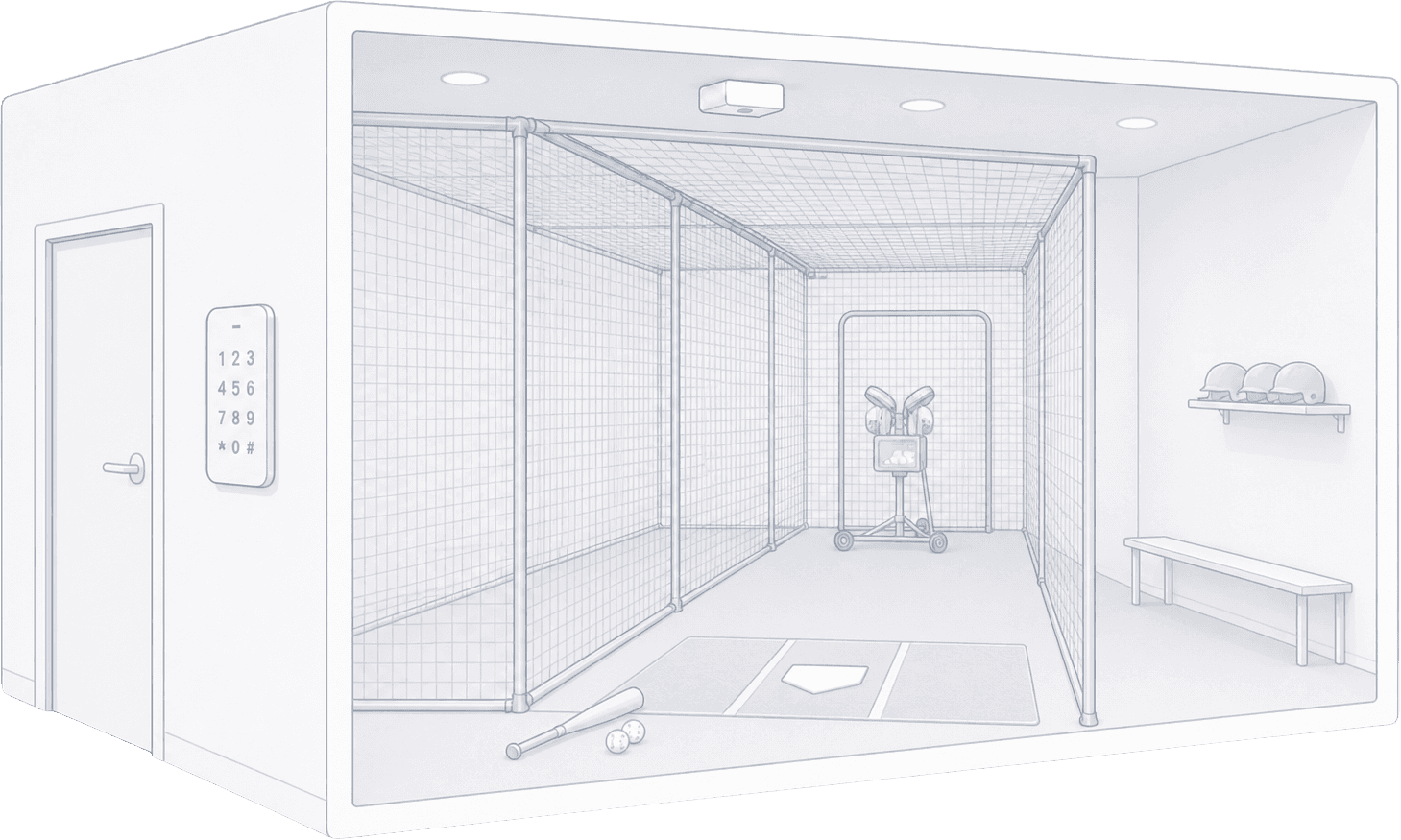
Manual access doesn’t scale for training facilities
For unmanned or partially staffed facilities, this creates constant friction.
Automate access for every reservation
When a session is booked, Seam can:
All access is managed programmatically through a single API.
How it works
Real-world use cases
Optional real-time control
This is useful for hybrid setups combining automation and human oversight.
Works with the devices you already use
Keep your existing tools
Frequently asked questions
How do batting cage access codes work?
When a player books a session through your booking system, your platform calls the Seam API to create a unique access code on the cage's smart lock or keypad. The code is bound to the reservation start and end times—it activates when the session begins and is revoked automatically when it ends. No staff coordination, no shared codes.
Can access be limited to a specific time slot?
Yes. Every code Seam issues includes start and end timestamps. The lock only accepts the code during that window, so a player who booked 6:00–7:00 PM cannot enter at 5:45 or stay past 7:00. Codes are revoked the moment the slot ends.
What happens if a player is late?
The code remains valid for the rest of the booked window. If a player arrives at 6:30 PM for a 6:00–7:00 PM slot, they still have until 7:00 PM. Codes do not extend automatically—if you want a grace period, your booking system can extend the reservation end time and Seam will update the code accordingly.
Can I integrate this with my booking system?
Yes. Seam exposes a single REST API that works across smart-lock manufacturers (Yale, August, Schlage, Salto, and others). Most teams trigger code creation from a booking webhook, but you can also call the API directly from your admin dashboard, scheduling tool, or custom mobile app.