Smart lock API for your app.
Start with the device and account.
Check the exact model, account and connection method before choosing an integration. The connected device's capabilities determine which operations your app can use.
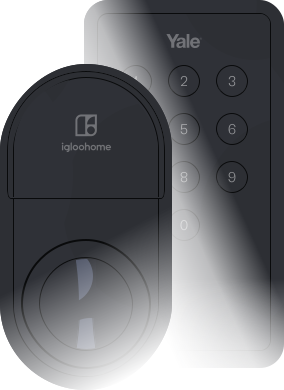
Yale
Check the lock model, region, app and connection method. Yale ecosystems have different setup requirements.
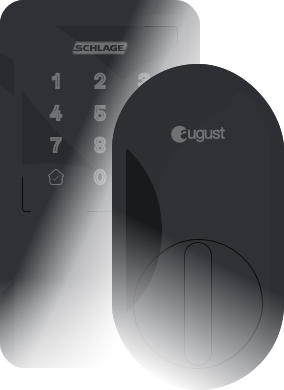
Setup and limitsSchlage
Follow the Schlage account and supported-model requirements before connecting the user's locks.
Setup and limitsTTLock
Check gateway pairing and keypad support. Power-saving mode can disable remote control.
Setup and limitsBuild the device workflow.
Connect your users' locks
Let users connect their lock accounts, then find their devices and check the capabilities your app needs.
Build the connection flow →Grant guest access
Use Access Grants to define who can enter, which doors they can use and when. Credential options depend on the connected device or system.
Build the access lifecycle →Unlock remotely
Select the intended device, check its unlock capability and track the action attempt. Keep authorization and property selection in your application.
See locks with remote unlock →Lock remotely
Check remote-lock support separately from unlock support, and confirm the action result before showing the door as locked.
See locks with remote lock →Evaluate offline codes
Compare locks that accept offline access codes, then check their scheduling and revocation limits before choosing hardware.
See locks with offline codes →Automate reservation access
Connect booking confirmations, date changes and cancellations to guest access. Confirm the credential is ready before sending it to a guest.
Build the booking workflow →Verify the result before relying on it.
A successful API request does not always mean the device has completed the action. Build for confirmation, delayed responses and failure.
Understand action attempts →- 01Connect the intended account and map each lock to the correct property or entrance.
- 02Check supported credentials and confirm access is ready before sharing it with a guest.
- 03Test extensions, cancellations and failure recovery before a production stay.
CUSTOMER CASE STUDIES
Built with Seam.
Flamingo: resident access and in-unit devices
Flamingo uses access and thermostat features to make its resident app useful every day. Hear from CEO Jude Chiy about the role of access in app adoption.
Read the case study →Managing rentals? See what to ask your software provider →
Build your first device workflow.
Test in a sandbox, then connect the intended account and hardware.