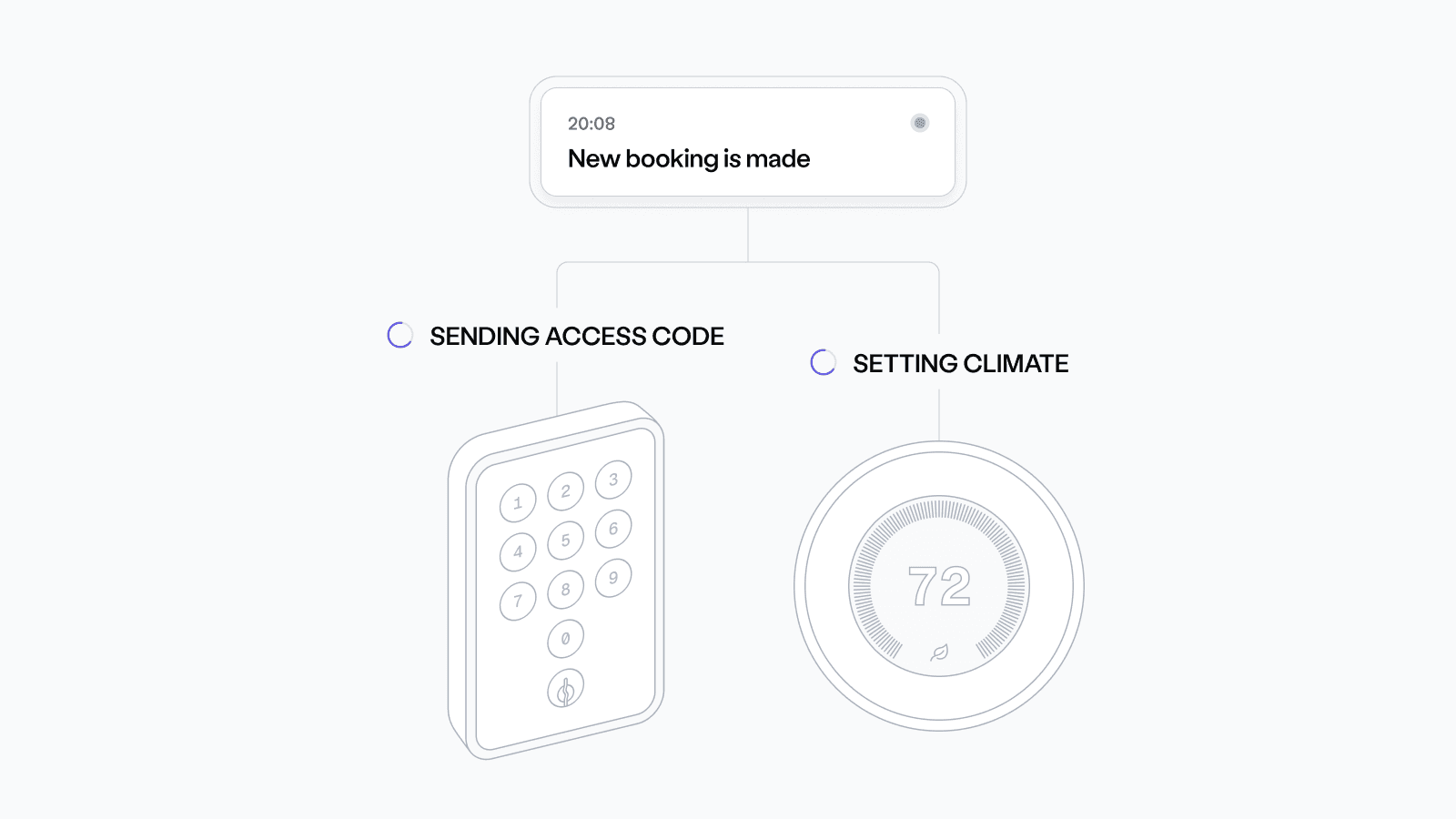
Reservation Automations — A Low-Code Way to Grant Access and Control Climate
Today we’re releasing Reservation Automations — a low-code way to program locks and thermostats based on guest reservation data, without the need for you to write custom device logic. Send Seam your reservation data, and we handle the rest.
In the past, developers had to use the Seam Devices API and build complex workflows to manage access and climate — issuing keys at check-in, updating settings mid-stay, and revoking access at checkout.
Reservation Automations replace that effort by syncing reservation and guest data directly with your access and climate systems. Built for short-term bookings — including hotel stays, gym classes, co-working rooms, and event rentals — Reservation Automations ensure device settings activate only during the booked time.
Automations built around the guest journey
Reservation Automations run off the same timeline your guests do. They listen for reservation events — reservation start, updates, and end — and apply the right device settings automatically.
- At check-in: keys are issued, spaces unlock, and thermostats adjust to the right preset.
- During the stay: if reservation times change or guest details are updated, access and climate settings will adjust in real time.
- At checkout: access is revoked, devices reset, and credentials are cleared.
By syncing live reservation and guest data with your access and climate systems, Reservation Automations ensure that device behavior always matches the booking schedule.
How it works
Enable Reservation Automations in Seam Console, then send reservation data with the push_data endpoint. Each reservation includes a unique reservation_key, which Seam uses to create, update, or remove device settings for the booked time. Webhooks notify you when access is issued, updated, or revoked, and the optional delete_data endpoint lets you roll back settings immediately if a booking is canceled or ends early.
Get Early Access to Reservation Automations
Automations is currently in Alpha as we actively develop the feature. We're seeking early feedback to refine the design and expand capabilities. If you're interested in participating, reach out to support@seam.co.
- Enable Reservation Automations in Seam Console under Developer > Automations.
- Check out our Reservation Automations documentation to get started.
- Contact Sales to explore how to launch faster with Automations.
2025.09.15 Changelog
New
- New events for Access Grants: We now send the
access_method.reissuedevent when the code changes for an Access Method. We also sendaccess_grant.access_times_changedwhen thestarts_atorends_attime on an Access Grant is changed. - Warnings for deleted Access Grants: We now set a
being_deletedwarning for access_grant and access_method that are in the process of being deleted. - Search for Instant Keys by URL: Often, you only have the the instant keys url, not the ID. Now you can retrieve instant keys by url by just adding the filter param
instant_key_url, like this:/instant_keys/get?instant_key_url=[URL]. - Customer data deletion: Users can now permanently delete the data pushed to Seam for a customer using
/customers/push_data.
Fixes
- Improved Salto KS API reliability: Because Salto KS accesses tokens have relatively short lifetimes and must be refreshed often even before expiration, Seam will now refresh the token frequently to help ensure uninterrupted service.