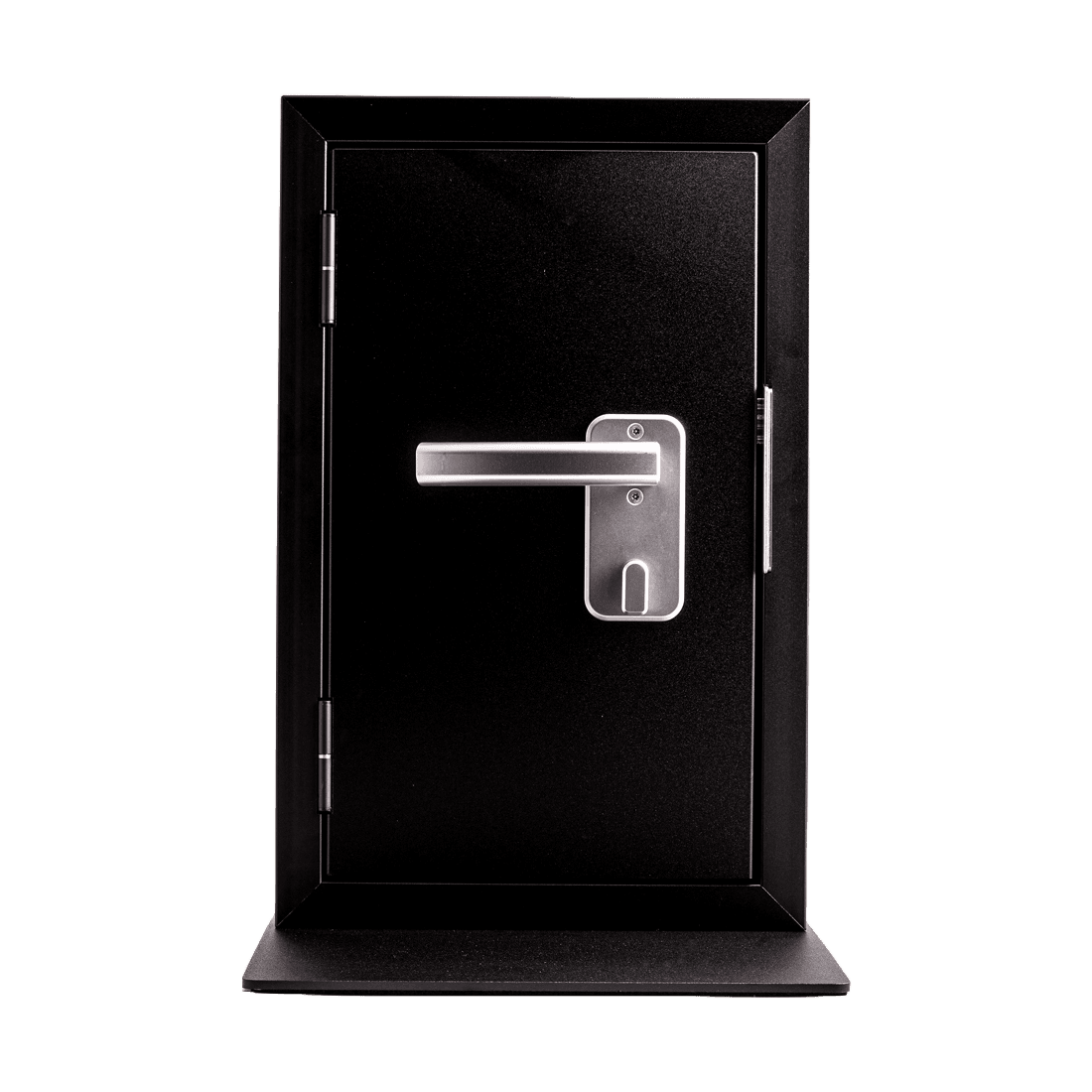
VingCard Novel
The VingCard Novel is at the forefront of electronic lock technology, designed specifically for the hospitality sector, multifamily apartments, and educational institutions. This lock system combines advanced security features with technology that enhances the guest experience, making it a future-oriented solution for access management. It is aesthetically pleasing, fitting seamlessly into any hotel's design with its modern electronics and the potential for enabling Mobile Access and online capabilities as per customer requirements. The VingCard Novel is RFID compatible, working with a broad range of RFID credentials, and is ready for Mobile Access through BLE technology. Additionally, it offers custom-tailored finishes to match any interior design need, ensuring that style is never compromised. The system is also compatible with cloud-based Access Management Systems, like Vostio, allowing for a comprehensive and scalable security solution that can evolve with technological advancements and customer needs.
 Assa Abloy
We know of no shop selling this directly. Assa Abloy can say where to find it.
Automate the Assa Abloy VingCard Novel with Seam and start managing your devices today.


VingCard Novel
Control This Device With Seam API and Visionline
Connect your Visionline with Seam API to use these features.
Using a different system?
Capabilities
What you can do with this device, using Seam API.
About Visionline
Visionline mobile keys may require additional licensing and hardware from Assa Abloy that are not included with a standard Visionline installation. Before enabling mobile keys, we recommend confirming the following with your Assa Abloy representative or installer:
- Mobile key licensing: Mobile key support typically requires an additional annual license, commonly reported to be around $10–15 per room per year.
- Setup fees: Some properties may also incur a one-time setup or activation fee.
- BLE compatibility: Older Vingcard locks may need a Bluetooth Low Energy (BLE) module upgrade before they can support mobile keys.
- Hardware upgrades: BLE upgrade kits have been reported to cost approximately $150–250 per lock, excluding any installation labor.
- Regional differences: Licensing terms, pricing, and requirements may vary by country, installer, or Assa Abloy region.
These requirements only affect properties that want to use mobile keys. Standard plastic keycard workflows continue to work without these additional mobile key licenses or BLE upgrades.
We recommend verifying your property's licensing and hardware readiness with Assa Abloy early in your deployment process to avoid unexpected costs or implementation delays.
Device Connectivity
Ensure connectivity is properly configured within the ACS and confirm with your ACS administrator if needed.
Control Access Remotely with Assa Abloy VingCard Novel
The VingCard Novel by Assa Abloy supports remote unlocking via the Seam API.
Beyond admin or staff workflows, you can embed an "Unlock" button directly inside your customer-facing app, allowing authorized end-users to open a door, gate, or locker themselves during their reservation or membership window—no front-desk hand-off required.
This pattern works particularly well for:
- Spas, wellness, and yoga studios: let members unlock treatment rooms, lockers, or studios on arrival
- Golf practice ranges: unlock bays, ball machines, or driving-range gates from the customer's app
- Tennis and racquetball clubs: authorize court access during the booked time slot, with no front-desk hand-off
- Fitness studios and gyms: give members 24/7 self-service entry tied to their active subscription
- Co-working spaces and shared offices: let members open the front door or private suites from a branded app
You can also trigger unlock actions programmatically—for example:
- Add a button in your app or admin dashboard to unlock a door or gate
- Allow staff to remotely grant access during a reservation
- Enable backup access in case a user cannot use their code
- Build simple interfaces for operators to manage access live
Combined with scheduling or reservation logic, this allows you to create flexible access experiences—for example, enabling a "Unlock" button that only works during an active booking time window.
More smartlock models from Assa Abloy
Compare other entries in this manufacturer's device catalog. Check each model's integration status, capabilities and setup requirements.