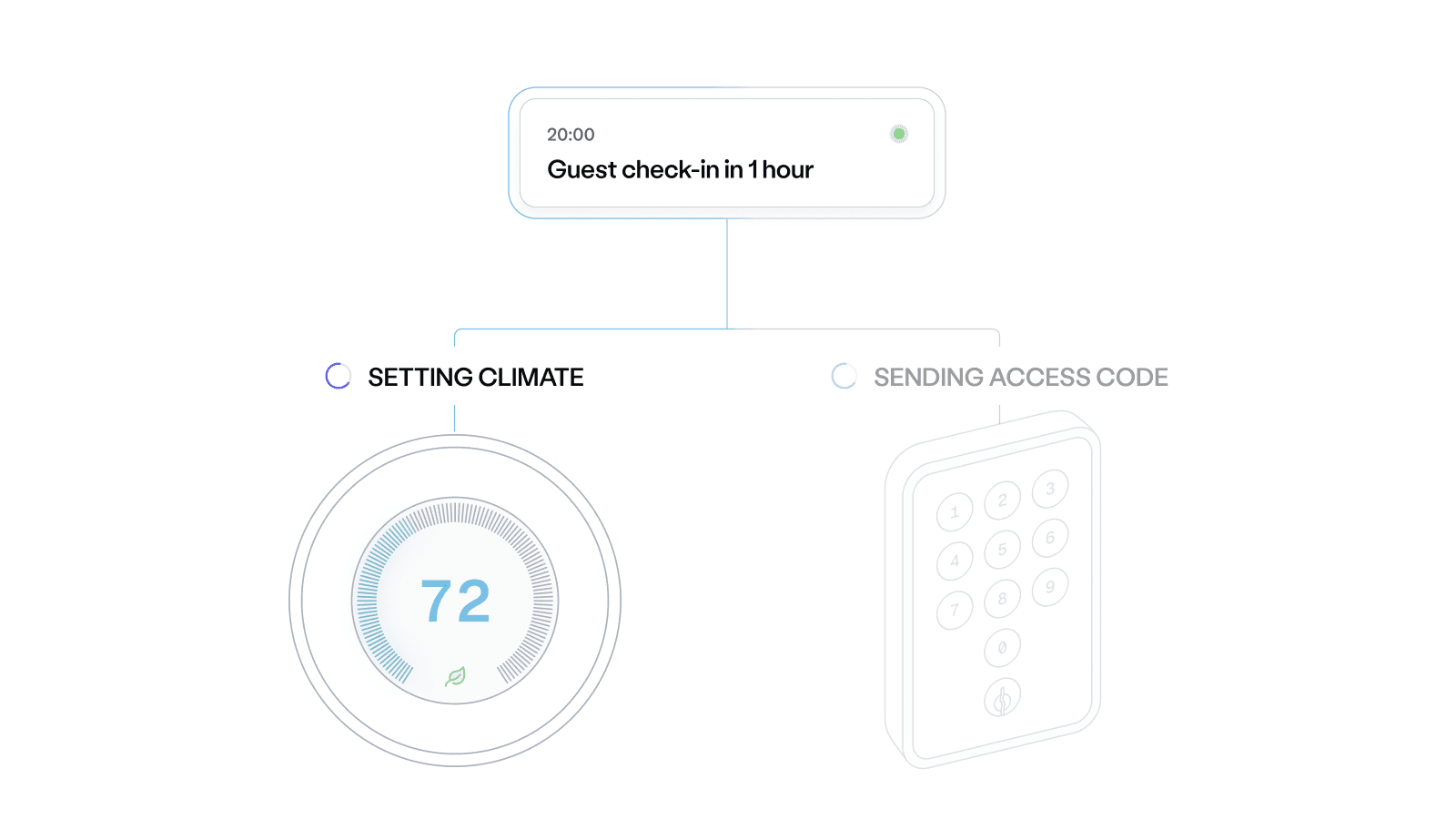
Now Live: Climate Automations for Thermostats
Today, Seam is excited to announce Climate Automations — extending to smart thermostat control the low-code approach introduced with Reservation Automations. This feature is especially valuable for users of short-term rental software, often delivering energy savings substantial enough to cover the cost of the tool itself.
Climate Automations are defined as a simple toggle setting in our Reservation Automations feature that activates when reservation events are pushed and will:
- Pre-condition the space before check-in for guest comfort
- Optimize thermostat settings during the stay based on reservation details
- Revert to energy-saving mode automatically at checkout
It works out of the box with supported thermostats like Ecobee, Sensi, Honeywell, and more — all while preserving your existing workflows.
Automations built around the guest journey
Climate Automations sync with the same reservation timeline your guests follow:
- At check-in: Thermostats adjust to your preferred occupied preset
- During the stay: If times or guests change, thermostat schedules update automatically
- At checkout: Climate settings revert to your energy-saving mode
Each property’s automation can be customized individually, so you can fine-tune temperature ranges, start/stop timing, and behavior by device or location.
Operators using Climate Automations have seen 10–30% energy savings — with no extra dev work and no change to guest experience.
How it works
Climate Automations run on Seam’s existing push_data API — just like Access Automations.
Once data is pushed, Seam handles the thermostat logic behind the scenes. Webhooks notify you when settings are applied, updated, or reverted.
Get Early Access to Climate Automations
Climate Automations are currently in Alpha and we're seeking early feedback to refine the design and expand capabilities. If you're interested in participating, reach out to support@seam.co.
2025.11.10 Changelog
New
- Sending access control space.device_membership_changed events: We now send out an event when devices are added or removed from spaces.
- Showing thermostat schedule UUIDs: We now show each thermostat schedule’s UUID directly below its name in the Schedules tab of the Seam Console (just like with access codes).
- Enabling sandbox disconnected account simulation: For easier testing, we added a new endpoint
POST /connected_accounts/simulate/disconnectthat can be used to simulate a disconnected account in sandbox environments.
Changed
- Rejecting custom PINs for Keynest devices: We now correctly reject requests that try to set custom PINs for KeyNest devices, which don’t support user-defined PINs.
Fixed
- Fixing Salto Space unlock: In our Android SDK, unlock-operation cancellations weren’t taking effect for the Salto Space ACS, so attempts to unlock after cancellation were returning errors. We fixed this issue.
- Fixing
/user_identities/listsearch param: The/user_identities/listsearch param on the API (and the Seam Console) was not working for email addresses with some special characters. We fixed this issue. - Identifying deprecated endpoint parameters: Deprecated endpoint parameters are now shown clearly in our documentation.
- Latch SDK updated: When a key was added or removed on Latch Mission Control, it wasn't being updated on the mobile SDK. Latch released a fix for that issue, which we included in our mobile SDK as well.
- Fixing
automatically_manage_new_devicessetting: Fixed a bug where certain providers (KeyNest, Akiles, and Tedee) were not respecting theautomatically_manage_new_devicessetting.