Now Live: Language Support for the Seam Customer Portal
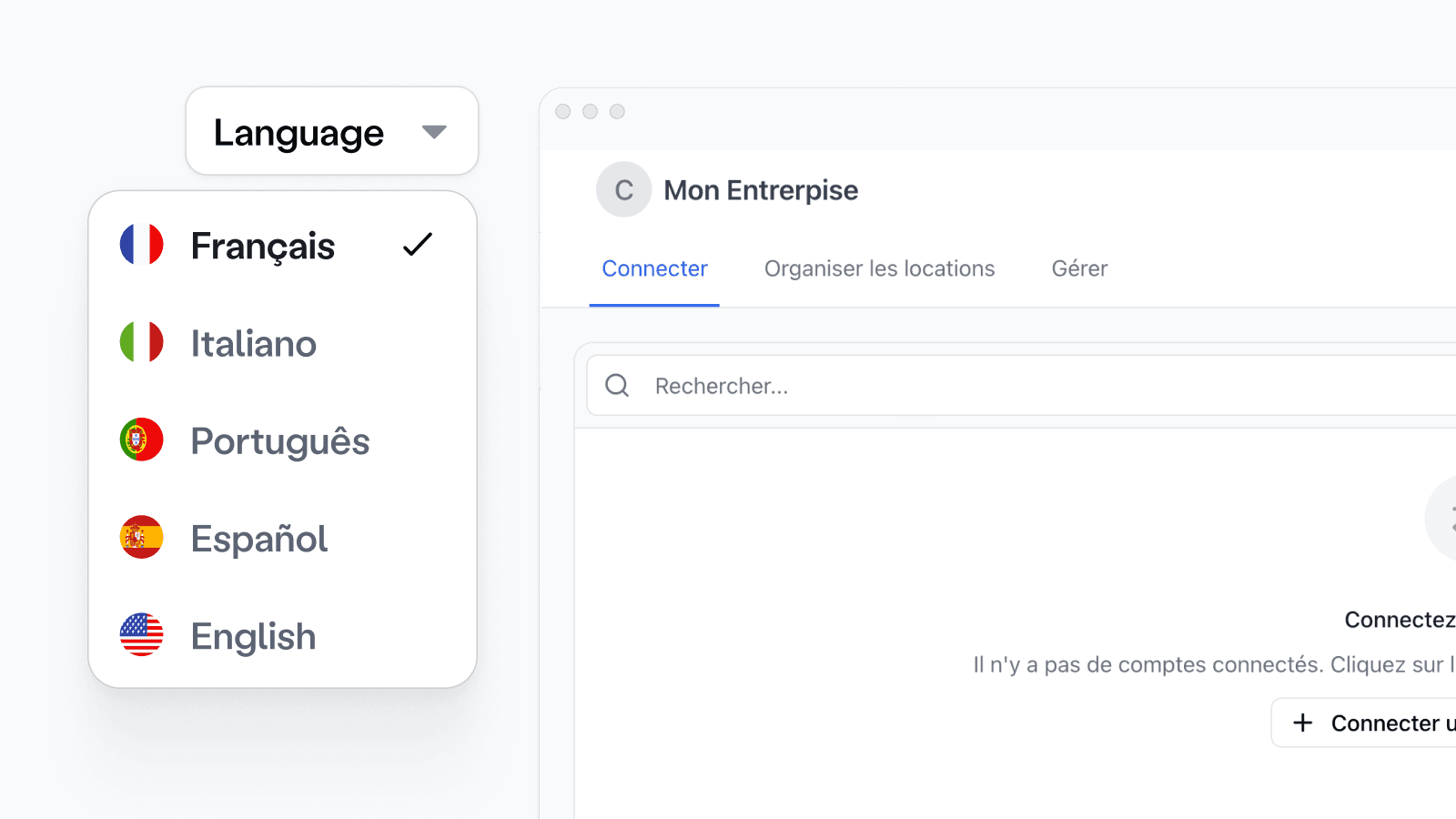
Today, Seam is excited to announce internationalization for the Customer Portal — now supporting five languages. This update allows you to generate localized admin interfaces for property managers or operators, directly from your platform.
When generating a Customer Portal link, you can now pass a locale parameter to define the language of the interface. Supported values include:
en-US(English)fr-FR(French)it-IT(Italian)pt-PT(Portuguese)es-ES(Spanish)
You can set the locale when creating the Customer Portal via the /customers/create_portal endpoint:
We’d love to get your feedback: Please contact us at support@seam.co if you have any requests for new languages, or for feedback on our new translations.
A prebuilt UI for your customers’ setup process
The Seam Customer Portal is a hosted, no-code interface you can generate on demand — giving your customers a ready-made flow to configure devices and automation preferences without requiring your team to build and maintain that UI.
Through the Portal, property managers can:
- Connect third-party brand accounts (e.g. Salto, Ecobee)
- Select and map devices to listings or spaces
- Set up preferences for access, climate, and more
This setup is a prerequisite for running automations. The Portal ensures that step is handled smoothly — reducing support load and integration effort.
Flexible delivery — via the Seam API or directly in the Seam Console
For platforms integrating at scale, the Portal can be generated programmatically using Seam’s API. For customers onboarding individual customers, Seam Console provides a no-code alternative: simply fill out a short form to generate a unique Customer Portal link for each end user — no engineering required.
Customizable by vertical and ready for global deployment
Each Portal instance can be customized with your branding, default behaviors, and vertical-specific templates (e.g. hotel, short-term rental, multifamily). You can also enable or exclude specific features within the Connect, Manage, or Configure tabs.
With internationalization now available via locale, the Customer Portal is ready to support global onboarding with localized, production-ready setup flows.
To get started, visit our Customer Portal Integration Guide or contact support@seam.co.
2025.11.01 Changelog
New
- Daily programs for Sensi: The capability flags for Sensi thermostats now reflect the ability to create up to 48 daily programmable time periods.
Changed
- Confidence window added for Schlage access codes: Sometime we have seen an access code created successfully on a Schlage lock, show up in the device’s access code list, and then disappear within the first hour. Instead of treating this as an external deletion signal, we now handle it as a case where the code needs to be reapplied instead.
Fixed
- Device Details for KeyNest:
DeviceDetailswas not working for KeyNest devices and has been fixed. - August locks in sandbox accounts: We fixed an error that caused lock and unlock events to not come through for August sandbox accounts.
- Thermostat integrations through SmartThings hub: We fixed an error that was causing stability issues for some thermostat integrations through the SmartThings hub.