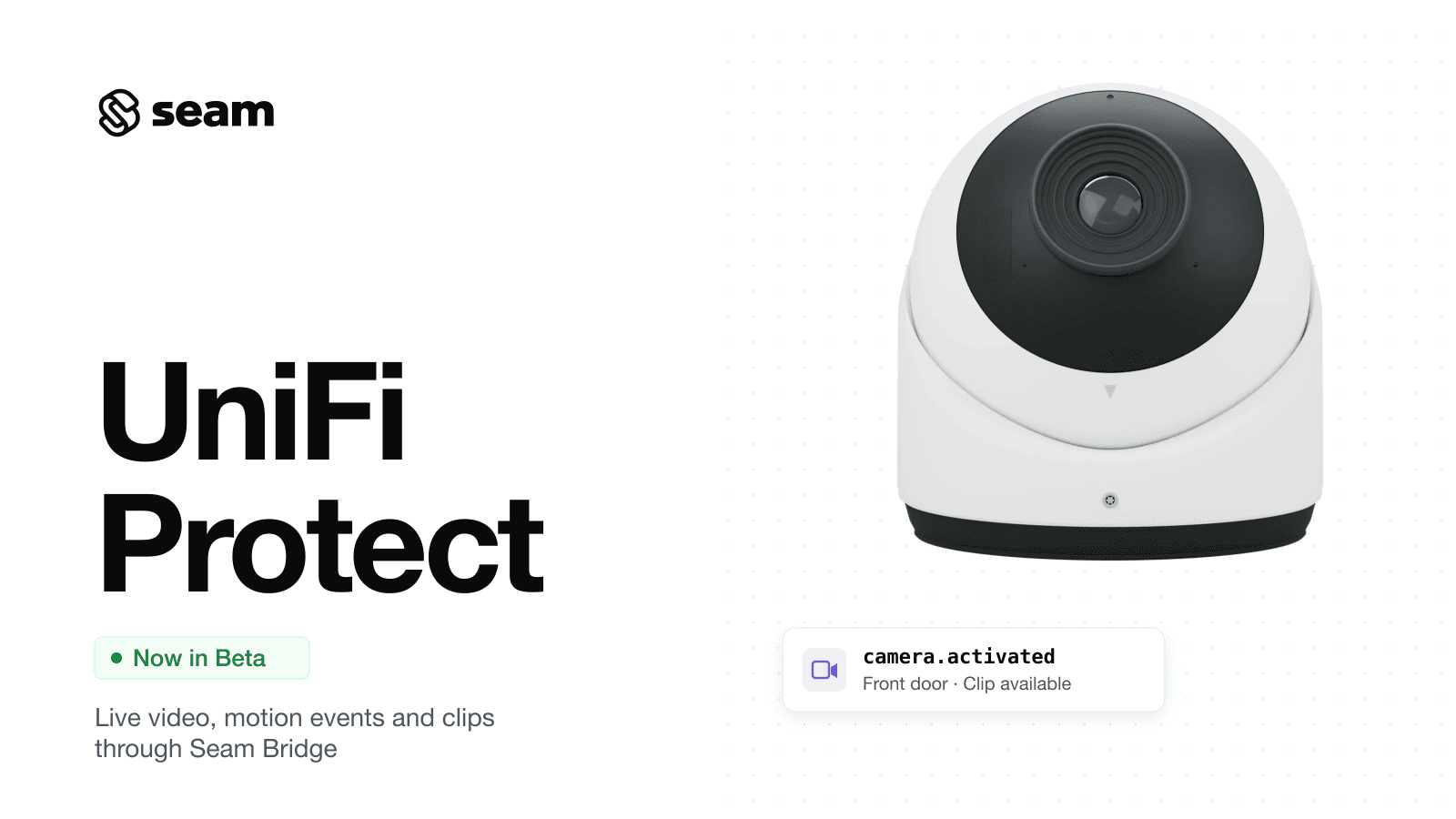
Today, we're announcing UniFi Protect camera support in public beta. Connect a UniFi console that runs UniFi Protect, and every camera it manages shows up as a device in your Seam workspace, with live video, motion events and event clips through the same Camera API you use for Tapo, Arlo and Ring.
Seam reaches the console on the customer's local network through Seam Bridge. Your customer pairs a Bridge, then enters the console's address and a Protect API key in the Connect Webview. One connected account is one UniFi console.
What you can do
- Stream live video with audio. Play a camera's feed in the browser through the same live view flow as other camera brands. In our testing, the first frame appeared in about 9 seconds.
- Get motion events with a subject type.
camera.activatedwebhooks arrive about 2.5 seconds after motion starts, withactivation_reason: "motion_detected". UniFi's smart detection setsmotion_sub_type: people and faces arehuman, vehicles and license plates arevehicle, packages arepackage, and animals areother. - Retrieve event clips and thumbnails. Each event includes a 20-second clip (5 seconds before the event starts and 15 seconds after) in the console's high-quality stream, plus a thumbnail. Resolve them with
/media/get, the same endpoint as other camera brands. Clips are usually available about 30 seconds after the motion.
| UniFi Protect | |
|---|---|
| Connects through | Local network, via Seam Bridge, with a Protect API key |
Motion events (camera.activated) | Yes, with person / vehicle / package / animal types |
Event clip and thumbnail (/media/get) | From the console's recordings, with a local View Only user supplied at connection |
| Live view | Yes, with audio |
2026.11.02 Changelog
New
Providers
- UniFi Protect cameras (beta): Local-network integration through Seam Bridge. Live view with audio, motion events with
motion_sub_type(human,vehicle,package,other), and 20-second event clips and thumbnails. Cameras appear as devices withdevice_type: "unifi_protect_camera"and details inproperties.unifi_protect_metadata.
Connect Webview
- UniFi Protect connection form: Collects the console's host, port (443 by default), a Protect API key and, optionally, a local-only username and password for event clips. A UniFi cloud account is detected and rejected with a message that explains how to create a local user.
Good to know
- Clips need a local View Only user. Create a user in UniFi OS under Admins & Users, turn on Restrict to local access only, and set its Protect role to View Only. A UniFi cloud (ui.com) account can't be used because those accounts always require multi-factor authentication. Without a local user, motion events still arrive, and clips come back as
unavailablewith a reason. The user can export clips but can't change console settings. - Clips come from the console's own storage. The console must be recording the camera.
- Create the API key in Protect. Open UniFi Protect, go to Settings, then Control Plane, then Integrations, and create an API key. The location can vary by firmware version. A key inherits the permissions of the admin who creates it.
- The first live view changes a console setting. Seam turns on the camera's low RTSPS stream in UniFi Protect the first time someone opens live view.
- Certificate pinning. Seam pins the console's TLS certificate the first time it connects, because consoles ship with a self-signed certificate. If the certificate is replaced, for example after a factory reset, reconnect the account.
- Offline consoles. If Seam can't reach the console through the Bridge, previously synced cameras show as offline.
- Verified setup. We tested with a UniFi Dream Machine Pro running UniFi Protect 7.3.70 and a G5 Turret Ultra camera. Other consoles and cameras may work, but we haven't verified them.
- Not included yet. Doorbell events, on-demand snapshots, PTZ control and two-way audio are not available for UniFi Protect cameras.
- Availability: UniFi Protect camera support is in beta, like our other camera providers. Sandbox workspaces include a fake UniFi Protect console with two cameras so you can try the flow without hardware.
Get started
- Set up UniFi Protect cameras
- Explore the Camera API
- Read the Retrieve Event Media guide
- Read the Stream Live Video guide
- See the
/media/getAPI reference
Questions or feedback on the beta? Email us at support@seam.co.