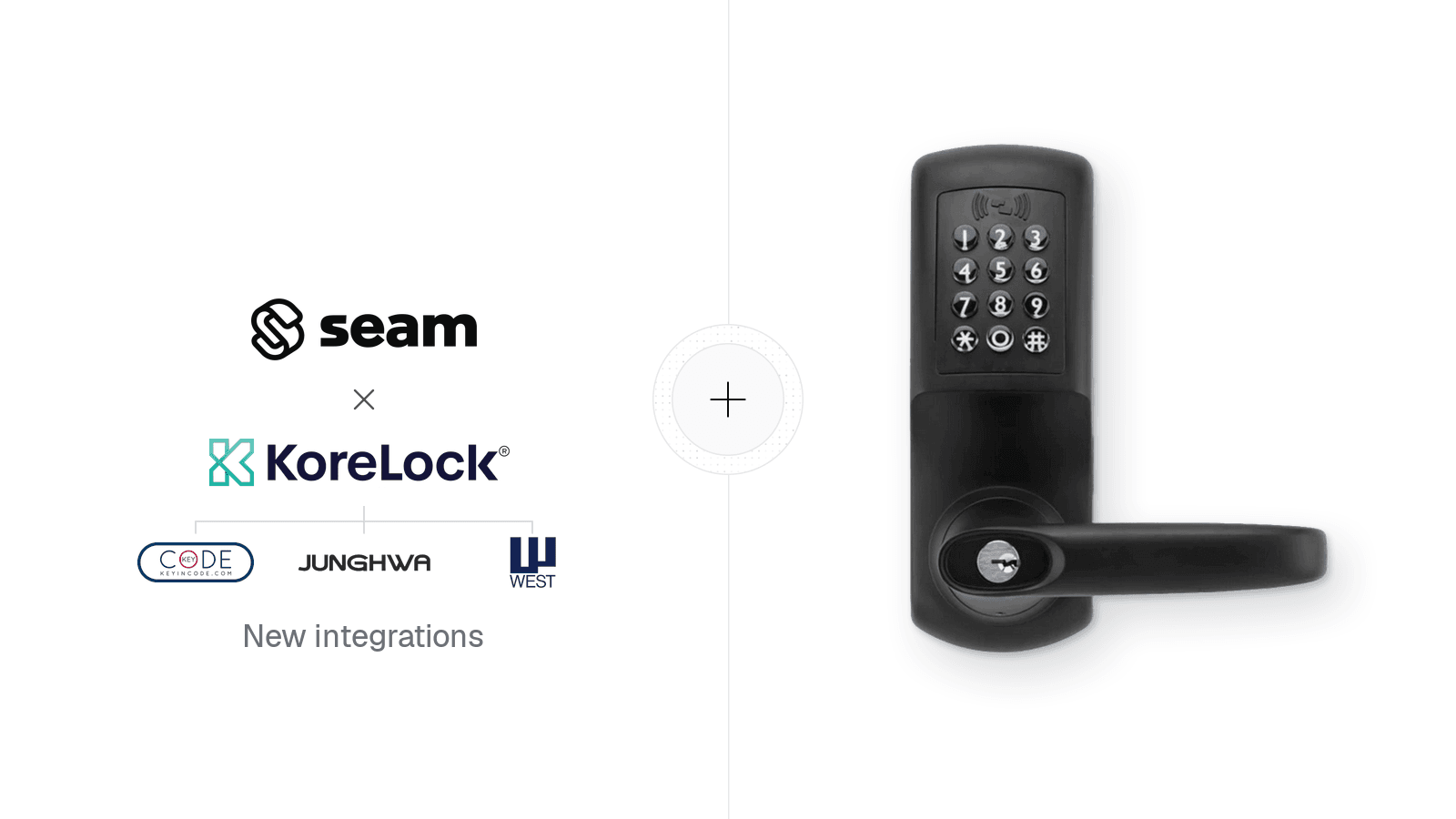
Announcing Our New KoreLock Integration
Seam now supports KoreLock-based smart locks, including KeyInCode, Junghwa, and West Lock. You can lock and unlock doors remotely and program ongoing or time-bound access codes, using the same Seam API you already use for other lock brands.
KoreLock is a smart lock backend provider, much like TTLock. It supplies the firmware and cloud platform behind a handful of lock brands, so one integration gives you access to locks from each of them. KeyInCode alone accounts for 13 supported models, from the residential KIC3500 series deadbolt and lever to commercial locksets with tubular latches and mortise bodies, exit-device lever control kits, and the KIC9500 narrow stile lockset. The locks connect over built-in Wi-Fi, so a property doesn't need a hub or bridge.
What you can do
- Remote lock and unlock: Lock or unlock any connected KoreLock-based lock from your app.
- Ongoing and time-bound access codes: Create 4 to 10 digit codes for residents, guests, staff and vendors, and remove them when access ends.
- Confirmation that a code reached the lock: Each access code reports
is_set_on_device: trueonce the lock itself has been programmed, not only when KoreLock's cloud accepts the code. - Codes for locks that are offline: If a lock drops off Wi-Fi, Seam still issues the code to KoreLock's cloud, and the lock receives it when it reconnects.
- Lock and unlock events: Receive
lock.lockedandlock.unlockedevents through Seam webhooks.
Time-bound code rules
KoreLock-based locks apply their own scheduling rules to time-bound codes. Seam checks these rules when you create a code and returns an error right away, instead of letting the code fail on the lock later:
- A code that lasts up to 32 days can start and end at any time.
- A code that lasts 33 to 365 days must start at 8:00 AM and end at 8:00 PM in the lock's local time zone.
- For access longer than 365 days, use an ongoing code.
Get started
- Follow Get Started with KeyInCode Locks to connect an account, lock and unlock a door, and create access codes. You can run it in a sandbox workspace with two virtual locks.
- Property owners connect through a Connect Webview by selecting KoreLock or KeyInCode and signing in with their account. Their locks must already be installed and online in the manufacturer's app; see the KeyInCode setup guide.
- Browse every supported KeyInCode model on our KeyInCode devices page.
- Questions? Email support@seam.co or reach out to your Seam contact.