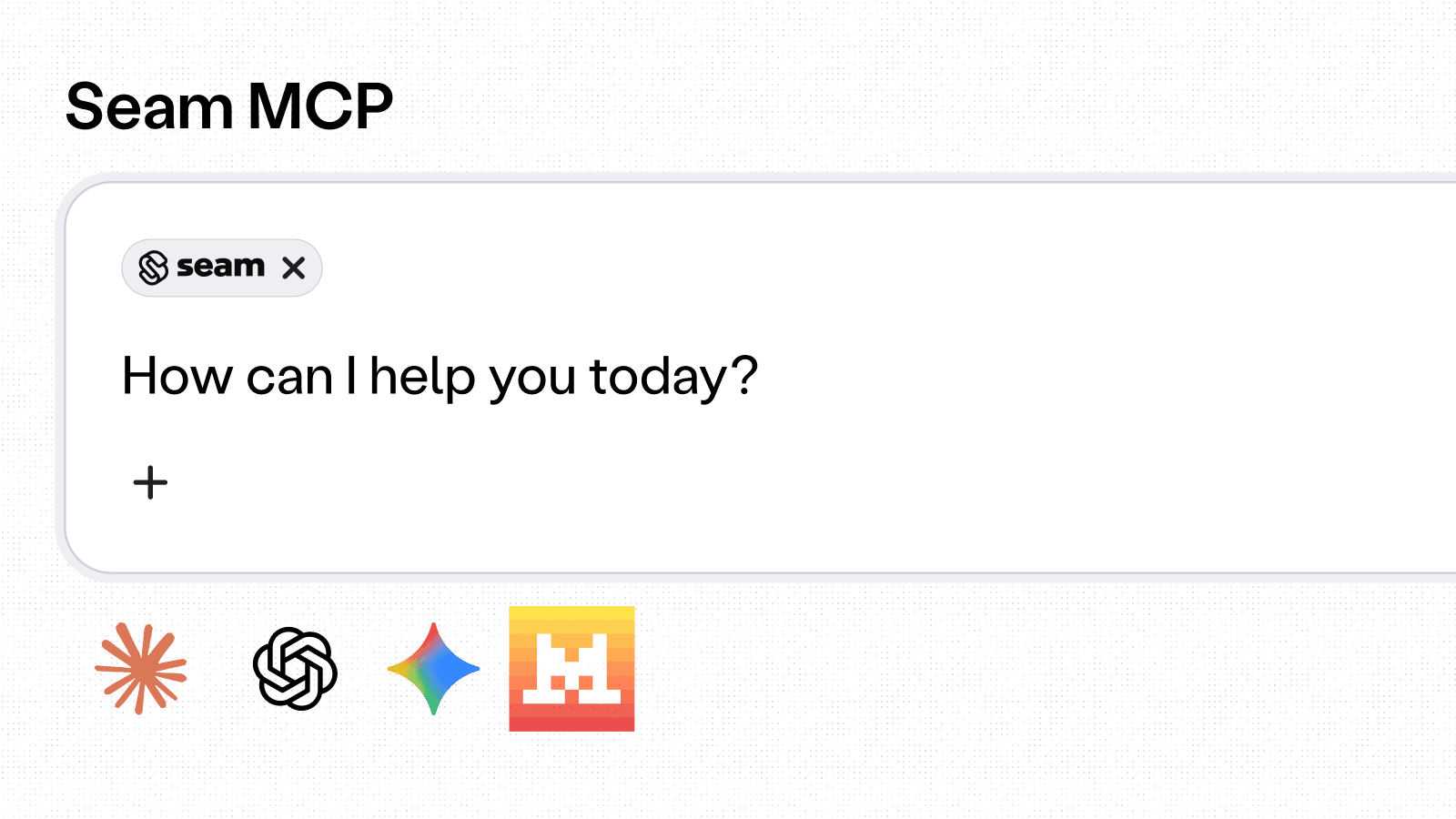
Announcing our New Seam MCP Docs Server
We're excited to launch the Seam MCP Docs Server — a Model Context Protocol server that lets AI assistants like Claude, Cursor, and ChatGPT search and read Seam's documentation directly inside your workflow. No more copy-pasting from a browser tab: your assistant can now pull the exact API reference, guide, or code sample it needs while it helps you build.
What you can do
- Ask questions in natural language — your assistant semantically searches every page of Seam's docs and returns the most relevant sections with confidence scores.
- Read full pages on demand — once a relevant doc is found, your assistant fetches the complete content to ground its answers in our official guides and API reference.
- Browse the docs tree — discover capability guides, API endpoints, and device integrations structurally, the same way you would on seam.co/docs.
How it works
Add Seam to your MCP client config:
Prefer a local install? Grab the .mcpb bundle and drop it into Claude Desktop or any MCP-compatible app.
Get started
- Connect the server →
https://mcp.seam.co/mcp - Read the setup guide in our docs
- Questions? Email support@seam.co
2026.04.17 Changelog
New
- API
- Access grants for Wyze, Tedee, and Akuvox: Access grants with online access code provisioning are now supported for Wyze, Tedee, and Akuvox lock providers.
- TTLock auto-lock endpoint: A new
POST /locks/set_auto_lockendpoint allows enabling or disabling the auto-lock timer on TTLock devices, with a configurable delay of 1-60 seconds. - TTLock access denied events: TTLock devices now emit
lock.access_deniedevents when an unlock attempt fails (e.g. wrong PIN entered). /user_identities/list_accessible_entrancesendpoint: A new endpoint returns all ACS entrances a user identity can access, combining entrances from access grants (via spaces) and from directly linked ACS users.- Pagination for
/spaces/list: The/spaces/listendpoint now supports cursor-based pagination withlimitandpage_cursorparameters. - New list endpoint filters: Several list endpoints gained new filters for easier resource lookups:
/access_codes/listnow acceptsaccess_grant_idandaccess_method_id/access_methods/listnow acceptsaccess_code_idandaccess_grant_key/access_grants/listnow acceptsaccess_code_idand nullableaccess_grant_key- A new
/customer/v1/reservations/list_access_grantsendpoint returns access grants byreservation_key
customer_keyon space list: The/spaces/listresponse now includescustomer_keywhen a space is associated with a customer, and thesearchparameter also matches against it.- Credential reuse across access grants: For Brivo and Salto KS, when multiple access grants are issued to the same user identity, the system now reuses the existing credential and access method instead of creating duplicates, preventing duplicate PINs and mobile keys.
- Salto KS cross-grant PIN sharing: Salto KS
codemode access grants now ensure the same user identity always gets the same PIN across all entrances on a given site, and multiple access grants for the same user share a single credential. - Salto per-code access groups for timebound codes: On Salto KS, timebound access codes that share a PIN via
common_code_keynow each get their own access group, allowing independent time schedules while sharing the same PIN. Updates to individual code time frames via/access_codes/updateare now supported. is_ready_for_encodingfield: A newis_ready_for_encodingfield on card access methods indicates when a card is ready to be encoded. Thecard_encoding_requiredevent now fires at the correct time rather than immediately on access method creation.- Backup access code warning on access methods: Access methods using a backup access code now include a
pulled_backup_access_codewarning in the API response. last_automation_resulton reservation endpoints: Reservation responses from/reservations/get,/reservations/list, and/spaces/list_reservationsnow include alast_automation_resultfield showing the outcome of the most recent automation run.- User-facing messages in automation results: Automation run results now include a human-readable
messagefield (e.g. "Created a new access grant for this reservation.") in the/automation_runs/listAPI response. - Customer portal config options: A new
exclude_reservation_technical_detailsportal config option hides reservation technical details from the portal UI. A newPATCH /customer/v1/portals/updateendpoint allows partially updating customer portal configuration. - Visionline encoder error handling: Card encoding for Visionline now returns clear, actionable error messages for bridge connectivity issues, encoder communication timeouts, and smartcard write errors, instead of unhandled raw API errors.
encoding_interruptederror code: A newencoding_interruptederror code is returned when Visionline reports an error writing to the card during credential encoding. This can also be simulated in sandbox.- Scheduled access group deferral: For providers that support it, provider-side access groups are now deferred until 24 hours before their
starts_attime, reducing premature resource creation.
- Connect Webview
- Avigilon Alta MFA support: Avigilon Alta accounts with TOTP-based multi-factor authentication can now complete the Connect Webview login flow.
- Console
- Customer automations page: Console users can now view and edit per-customer automation settings directly from the customer detail view. A banner highlights where customer settings differ from workspace defaults, with a field-by-field diff. New toggles include "prefer guest phone last 4 digits as PIN code" and "allow shared email and phone across user identities."
- Quick open portal from Console: Console users can open any reservation directly in its Customer Portal view with a single click from the reservations table. A new "Open Portal" side panel on customer rows lets you launch a portal with configurable settings.
- Access group syncing status: The Console access group detail page now shows real-time status for membership changes -- "Updating..." when a change is in progress, "Removing..." when a user is being removed, and "Up to date" when complete. Status auto-refreshes via polling.
- Hide reservation technical details option: Console users can now configure a new option to hide reservation technical details from their Customer Portal. The technical details panel now also displays
user_identity_key. - Devices can now belong to multiple spaces: Devices and entrances can now be assigned to multiple spaces simultaneously in the Console, removing the previous one-space restriction.
- Customer Portal
- Recreate access for cards and mobile keys: The "Recreate Access" action in Customer Portals now works for card and mobile key access methods on reservations, not just access codes. This is now available to all portal users.
- Automation skip reason indicators: Reservations that were skipped during automation now display actionable warning banners in the Customer Portal, explaining why (e.g., missing spaces, no compatible devices) with direct links to fix the issue. A popover in the reservation list also shows the skip reason.
- Access method warnings in portal: Customer Portal reservation pages now display warning and pending status messages directly on access method cards, making issues visible at a glance.
- Customer Portal mobile responsiveness: The Customer Portal is now fully responsive on mobile devices. This includes the spaces page, space editor, connected accounts, manage page, device list, device selector, automation configuration, and navigation tabs. Tabs now scroll horizontally with the active tab auto-scrolling into view.
- Reservation page version control: Customer Portal operators can now control which reservation page version (V1 or V2) is shown to end users via the
RESERVATION_UI_V2feature flag in portal settings.
Changed
- API
- Access codes managed by access grants are now protected: Attempting to update, delete, or pull a backup for an access code created by an access grant now returns a
400 access_code_managed_by_access_granterror, preventing conflicting manual changes. device.location.time_zonereplacesdevice.properties.location.timezone: A newtime_zonefield ondevice.locationfollows Seam naming conventions. The oldtimezonefield is retained but deprecated, anddevice.properties.locationis now optional rather than nullable.- SmartThings unlock event methods: SmartThings unlock events now correctly report
autoandcommandas distinct unlock methods instead ofunknown. connected_account.connectedevent on reauthorization: Aconnected_account.connectedevent is now emitted when a connected account successfully reconnects after having been in areauthorization_requestedstate.encoder_timeout_errorrenamed: The error codeencoder_timeout_errorhas been renamed toencoder_communication_timeout.- Unmanaged access code sync: Unmanaged access codes on a lock are now always discovered and tracked, even while managed codes are in a pending state, improving duplicate PIN detection.
- Access codes managed by access grants are now protected: Attempting to update, delete, or pull a backup for an access code created by an access grant now returns a
- Console
- Reservation automation rules moved to Upkeep tab: Reservation time and spaces update rules are now displayed in the Upkeep tab instead of the Access tab in automation configuration.
Fixed
- Connect Webview
- Salto KS Connect Webview pagination: The Salto KS Connect Webview now retrieves all sites instead of only the first page, fixing incomplete site lists for accounts with many sites.
- API / Provider Behavior
- Schlage DST access code expiry: Fixed a bug where Schlage access codes spanning daylight saving time boundaries expired 1 hour early on the physical lock.
- Schlage access code updates: Schlage access code updates now resolve any in-flight commands on the lock first, preventing "failed to process multiple commands" rejections. A new true update path routes through the Allegion provider's native PUT endpoint.
- Yale Home unlock events: Yale Home locks using the
unlatchmechanism now correctly producelock.unlockedevents, restoring unlock event delivery for Yale Home OAuth locks. - Salto KS customer reference truncation: Guest names combined with entrance names sent to Salto KS are now truncated to the 50-character API limit, fixing stuck unprovisioned access groups caused by overly long values.
- Salto Space mobile key blacklist: Cancelled Salto Space mobile keys no longer consume blacklist slots, preventing "Key resource run out" failures on systems with high mobile key turnover.
- Salto site timezone refresh: The Salto Space site timezone is now refreshed from the live API on each sync rather than using a stale value from OAuth time, keeping access group time schedules accurate.
- TTLock WiFi lock detection: TTLock WiFi lock detection now falls back to querying the device detail endpoint when feature flags don't report WiFi capability, fixing inaccurate online status for some WiFi locks.
- Nuki bridge sync delay: Nuki bridge sync now fires immediately when access codes aren't reflected on the device, removing a 30-minute delay that prevented codes from being applied promptly.
- Dormakaba Oracode Connect Webview: Sites that fail the Dormakaba Oracode connectivity check are no longer stored as disconnected records. Users now receive a clearer error message guiding them to verify the site name.
- Dormakaba Ambiance scheduled access groups: Access groups for Dormakaba Ambiance are no longer reused when their scheduled dates no longer match the access grant (e.g. after an early checkout), preventing guests from retaining access beyond their reservation.
- igloohome Deadbolt Go online status: Igloohome Deadbolt Go devices now surface an
unreliable_online_statuswarning, reflecting that their reported connectivity status may not be accurate. - Backup access code timing: When a reservation's end date changes, backup access codes now have their times updated alongside primary codes, preventing lockouts after reservation extensions.
- Access grant code cleanup on device unmap: When a device is removed from its only space, access codes created by access grants are now properly deleted from the device rather than left as orphaned unmanaged codes.
- Visionline smartcard write error: Visionline's smartcard write errors during card encoding now surface a clear user-facing message instead of an unhandled raw API error.