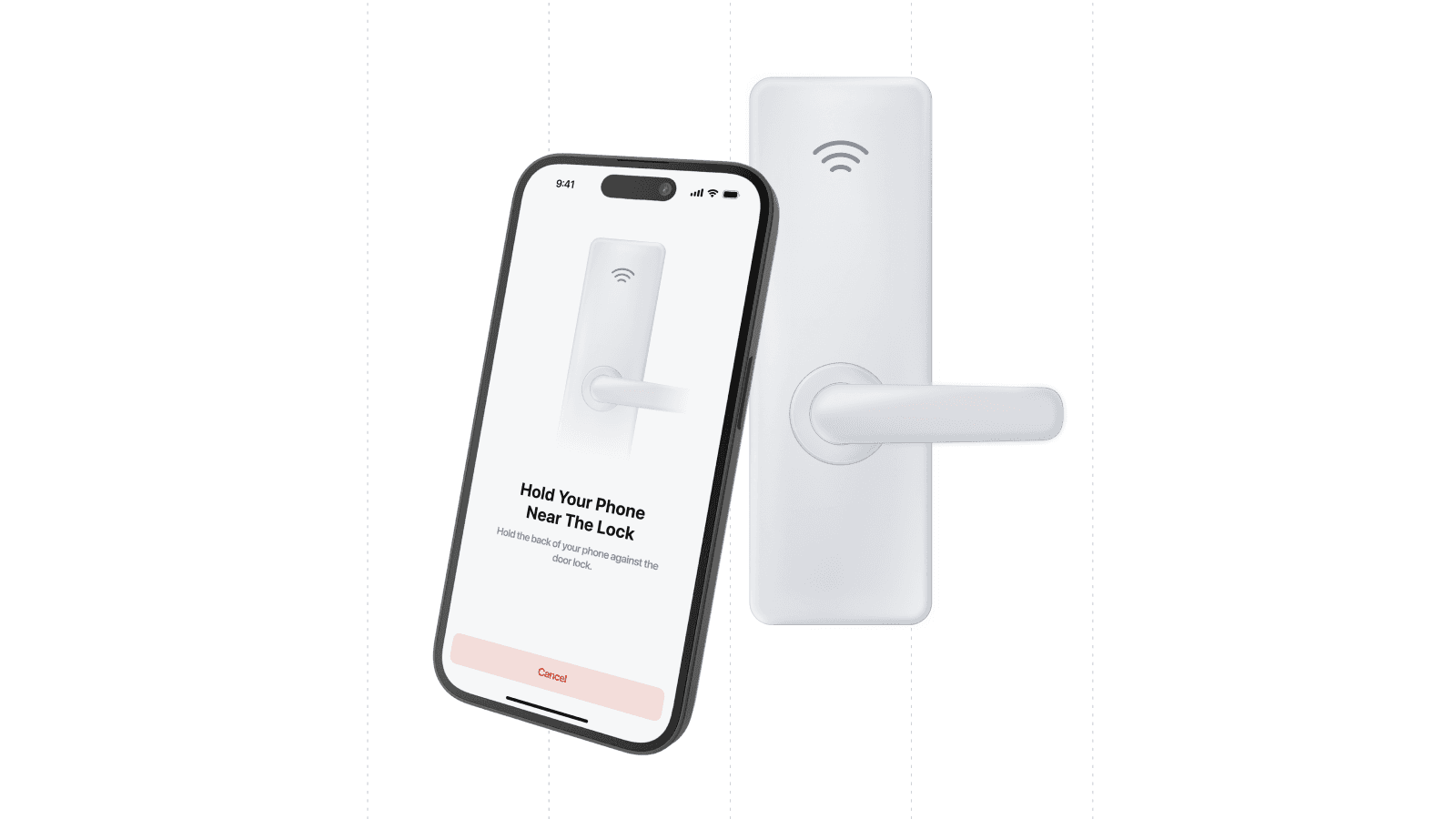
Drop-in Mobile Key UI for Your App
Now you can provide “tap to unlock” bluetooth mobile keys via your app with Seam Mobile Components – 2 lines of code that give you a fully-featured mobile key flow within your application.
Complete Mobile Key Functionality
Our existing Seam Mobile Components already work hand-in-hand with the Seam Mobile SDKs to provide customer admin features for adding locks and managing integrations. The new Seam Mobile Components now enable you to quickly add mobile access support for your app’s end users, whether you serve the hospitality, multifamily, or other markets.
Some features include:
- Credential Management: Display and manage user credentials including room keys, access cards, and more.
- Status & Error Handling: Show credential status, errors, and help for resolving issues.
- Custom Composition: Compose, extend, and theme views for custom user experiences.
- White-Label Support: Components are fully customizable so you can align them with your app UI and brand identity.
- Protocol-Based Architecture: Support for previews, tests, and production environments.
Platform Support
Seam Mobile Components are currently available for native iOS with full Swift integration.
Supported Providers
The Seam Mobile Components work with every provider supported by Seam’s Mobile SDKs, including:
- Salto Space
- Salto KS
- Assa Abloy Visionline
- Assa Abloy Vostio
They will also work for all our future SDK provider integrations.
Coming soon
We're actively expanding Seam Mobile Components to support:
- Kotlin for native Android components
- React Native support for cross-platform development
- Flutter integration for unified mobile experiences
Get started
Check out our docs for more information on Seam Mobile Components. Alternatively, reach out to Sales to explore your use case or to request a demo.
2025.08.25 Changelog
New
- Temperature unit support in Seam Console: Seam Console now shows temperatures in Celsius and Fahrenheit.
- Added
customer_keyto events: We’ve includedcustomer_keyinconnected_account.connectedandconnect_webview.login_succeeded. - Filter resources by
customer_key: You can now filter all resources bycustomer_key. - Search using
display_name: We’ve addeddisplay_namesearch param to/credentials/list. - Device behavior simulation: You can now simulate device behaviors for sandboxes (e.g., disconnection and hub disconnection).
Changed
- Improvements to
/get_related: We now return additional resources with/access_methods/get_related. - Salto KS job reliability: We fixed an issue that lead to some Salto KS accounts from overlapping jobs.
- Schlage syncing: We improved the performance of Schlage device syncing.
- Thermostat sandbox: We’ve added a fix for Ecobee sandboxes that were not applying current climate presets.