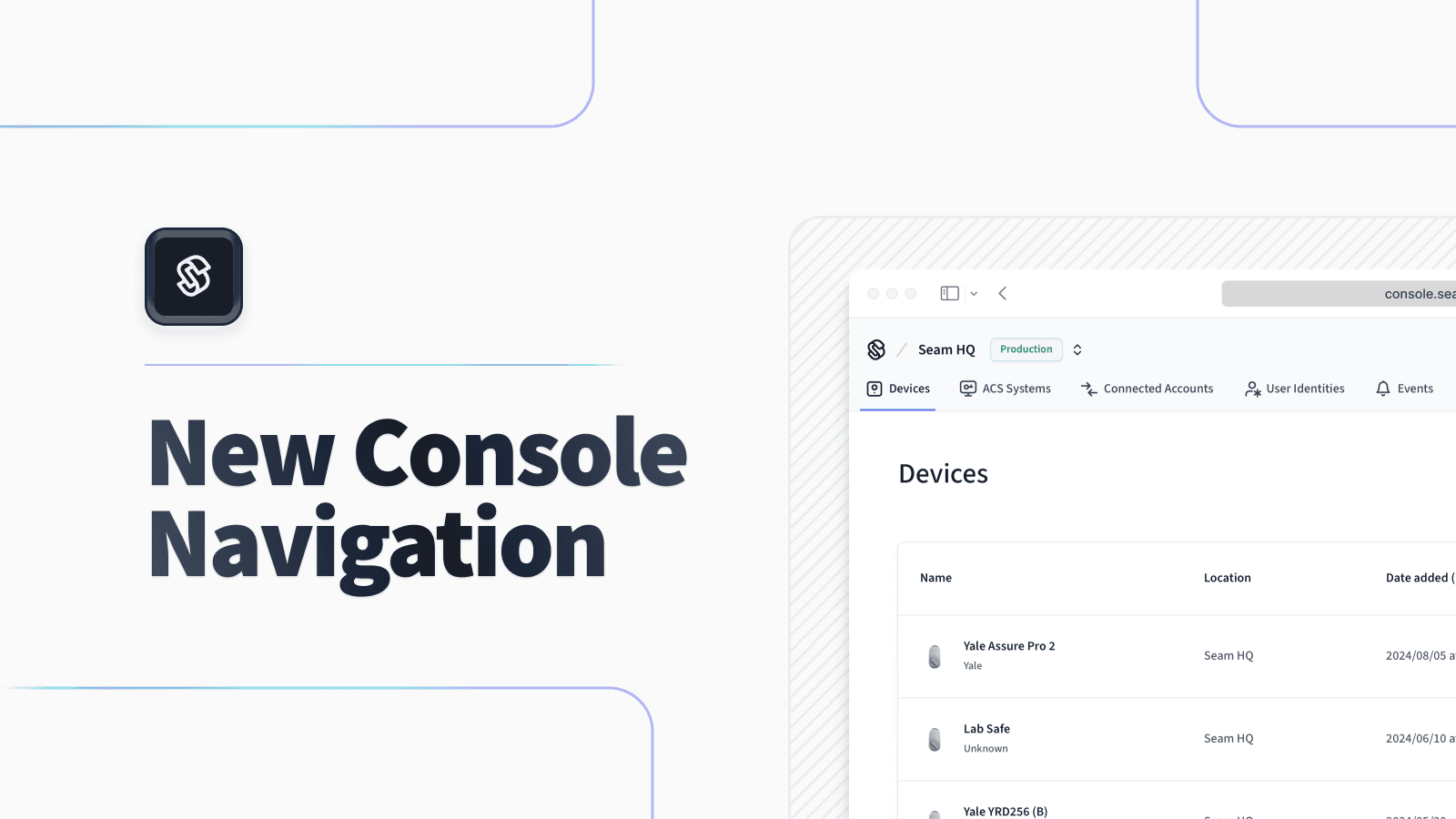
Seam Console Navigation Redesign
This week, we’re excited to share our refreshed Seam Console navigation. We’ve updated its design to be modern and intuitive. A brand new workspace switcher makes it easier to distinguish between production and sandbox workspaces. Console is one of our oldest products, and we’re planning to roll out a number of large improvements in the coming weeks, from device profiles to team management.
After a few weeks of testing with beta users, we’re now rolling out this refresh to our entire user base. If you spot any issues or bugs, please reach out to us right away, and we’ll fix them.
New Tab Menu
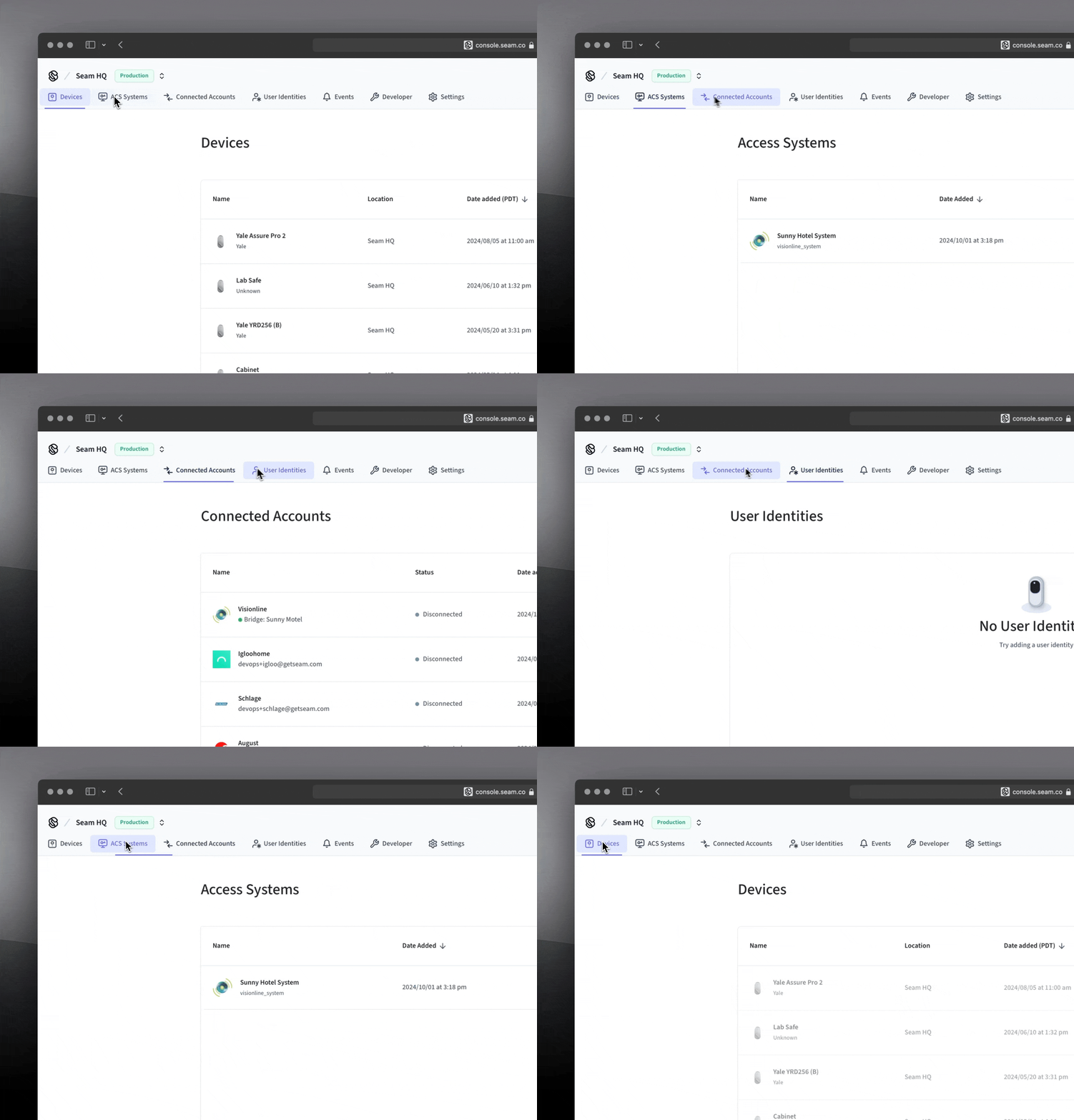
We’ve introduced a new, simplified top navigation menu that includes submenus within the respective sections. Previously, the navigation pane was on the left.
New Workspace Switcher
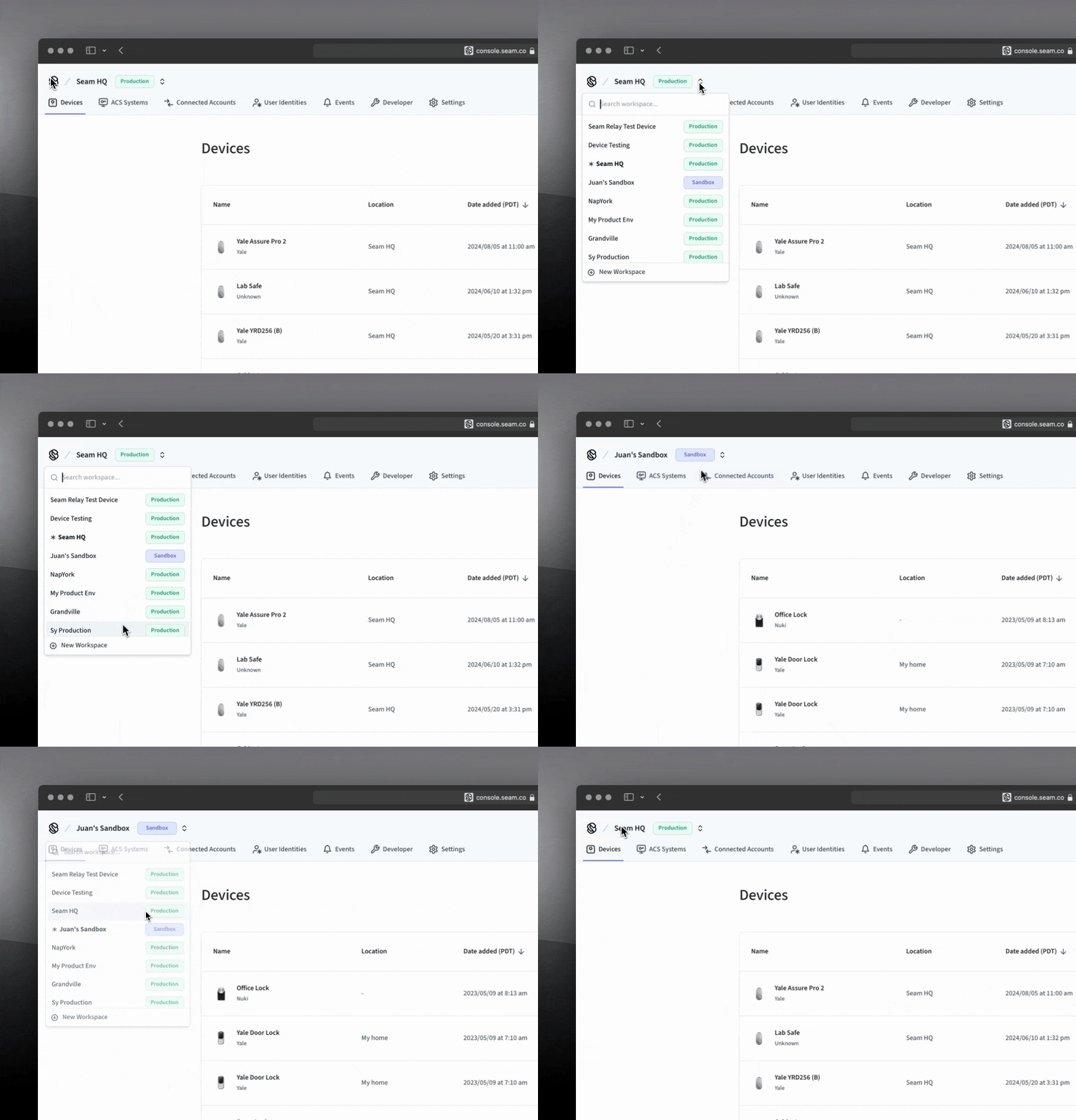
At the top of the Seam Console, we’ve added a new workspace switcher. We’ve also improved the labeling to indicate whether each workspace is a sandbox or production workspace.
New Submenus
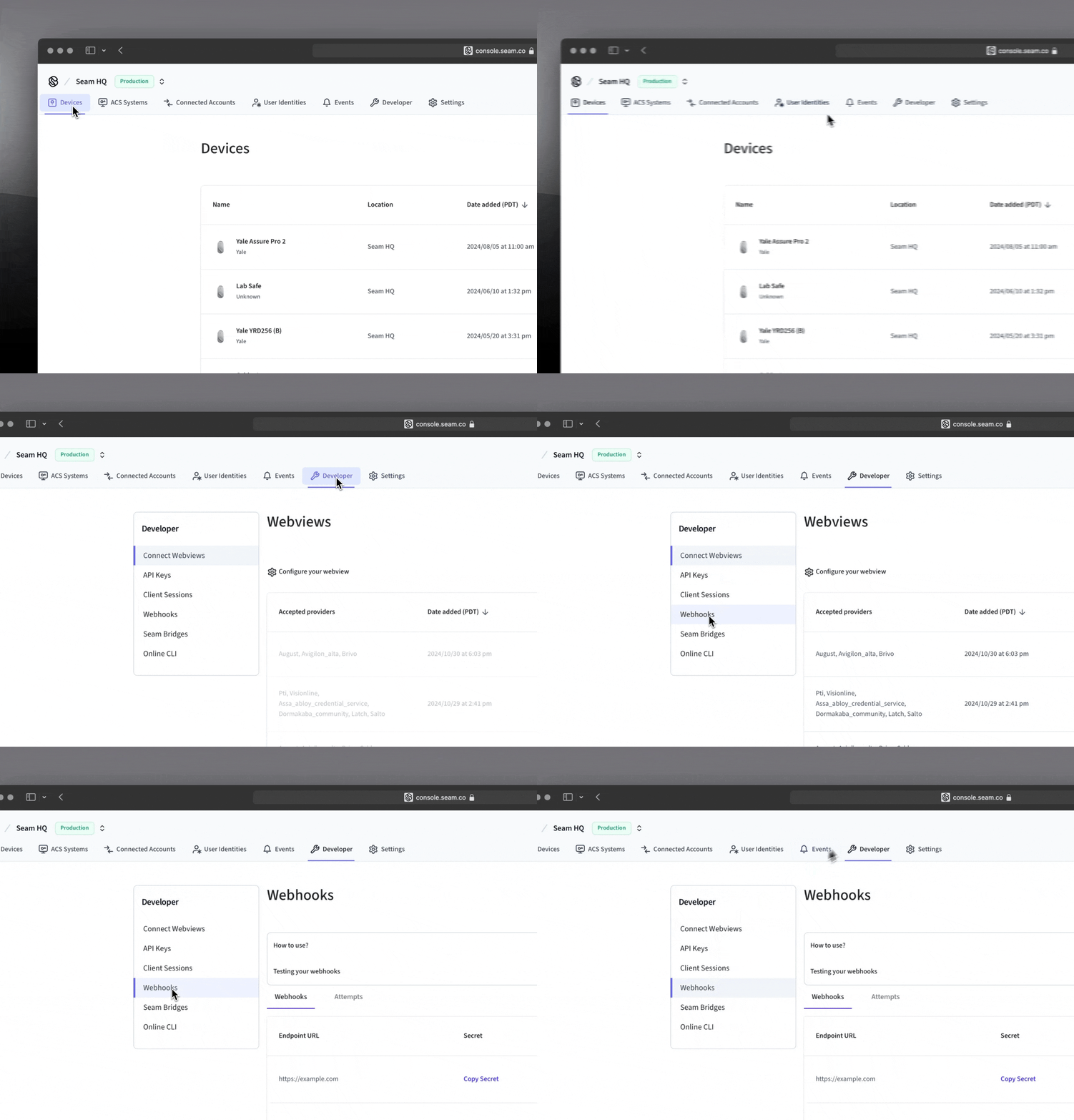
Some of the areas of the Console now include submenus that provide more depth. For example, the Developer tab provides a submenu with additional options, such as Connect Webviews, API Keys, Webhooks, and more.
2024.11.01 Changelog
New
- Connect Webview button customization: You can now customize the background color and text color for the primary button at the bottom of your Connect Webviews. This new feature enables you to blend Connect Webviews more seamlessly into your app.
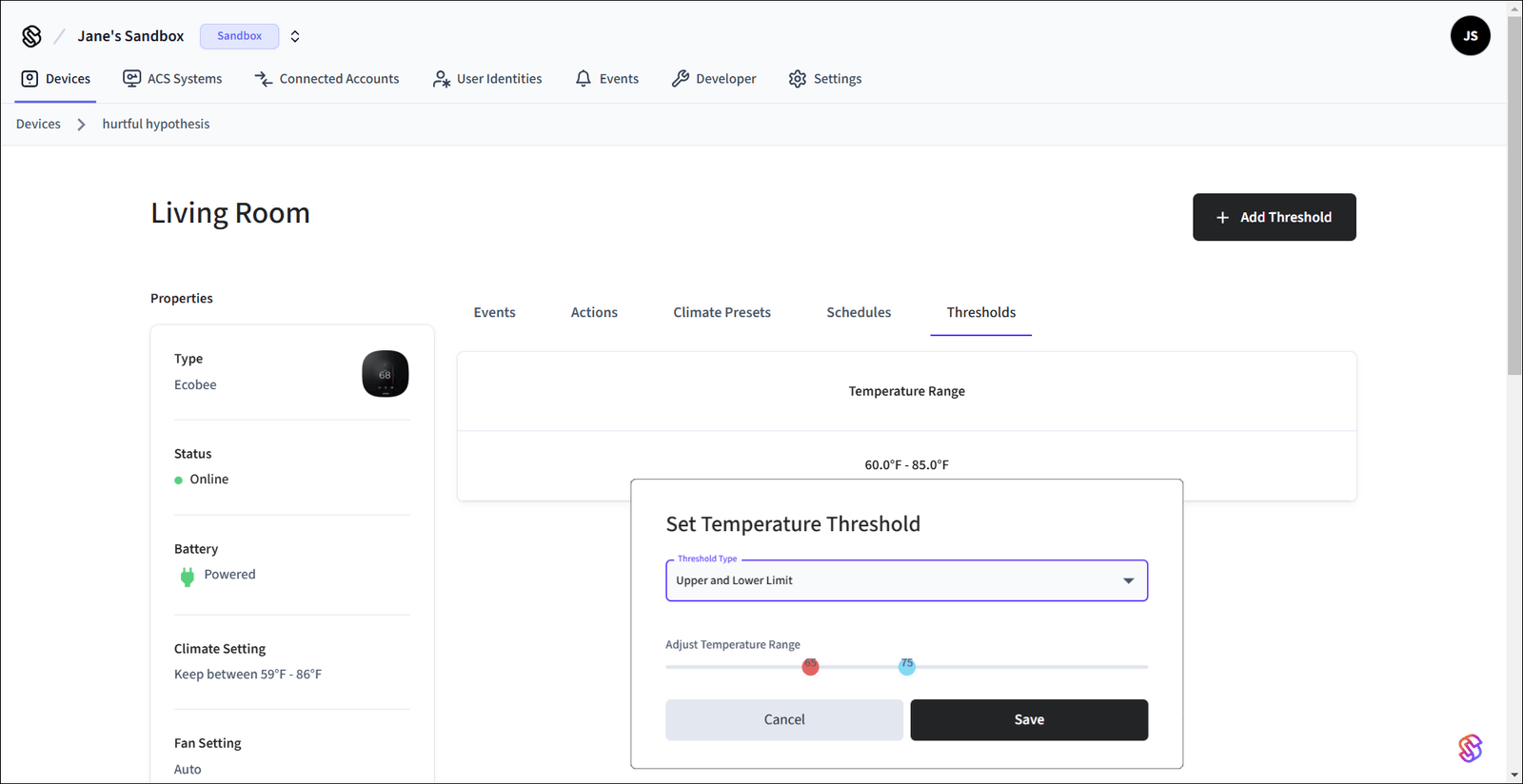
- Seam Console support for temperature thresholds: We’ve added full support for configuring thermostat temperature thresholds in the Seam Console.
In the top menu, click Devices and then select your thermostat. Click Thresholds and then Add Threshold. Select the Threshold Type, choose the desired threshold values, and click Save.
Changed
- Temperature threshold warning readability: The thermostat
temperature_threshold_exceededwarning message displays the reported temperature that exceeded the configured threshold. We now round this reported temperature to two decimal places for better readability.
Fixes
- Connect Webview success page shown after canceling: We corrected an issue in which a Connect Webview displayed in an iframe still showed the success page after the user canceled the authorization process at a previous page.
- Excessive climate preset activation: We corrected an issue in which Seam reactivated the climate preset at each sync with the thermostat, even when the thermostat’s climate settings already matched the desired preset. This issue also resulted in excessive
thermostat.climate_preset_activatedevents.