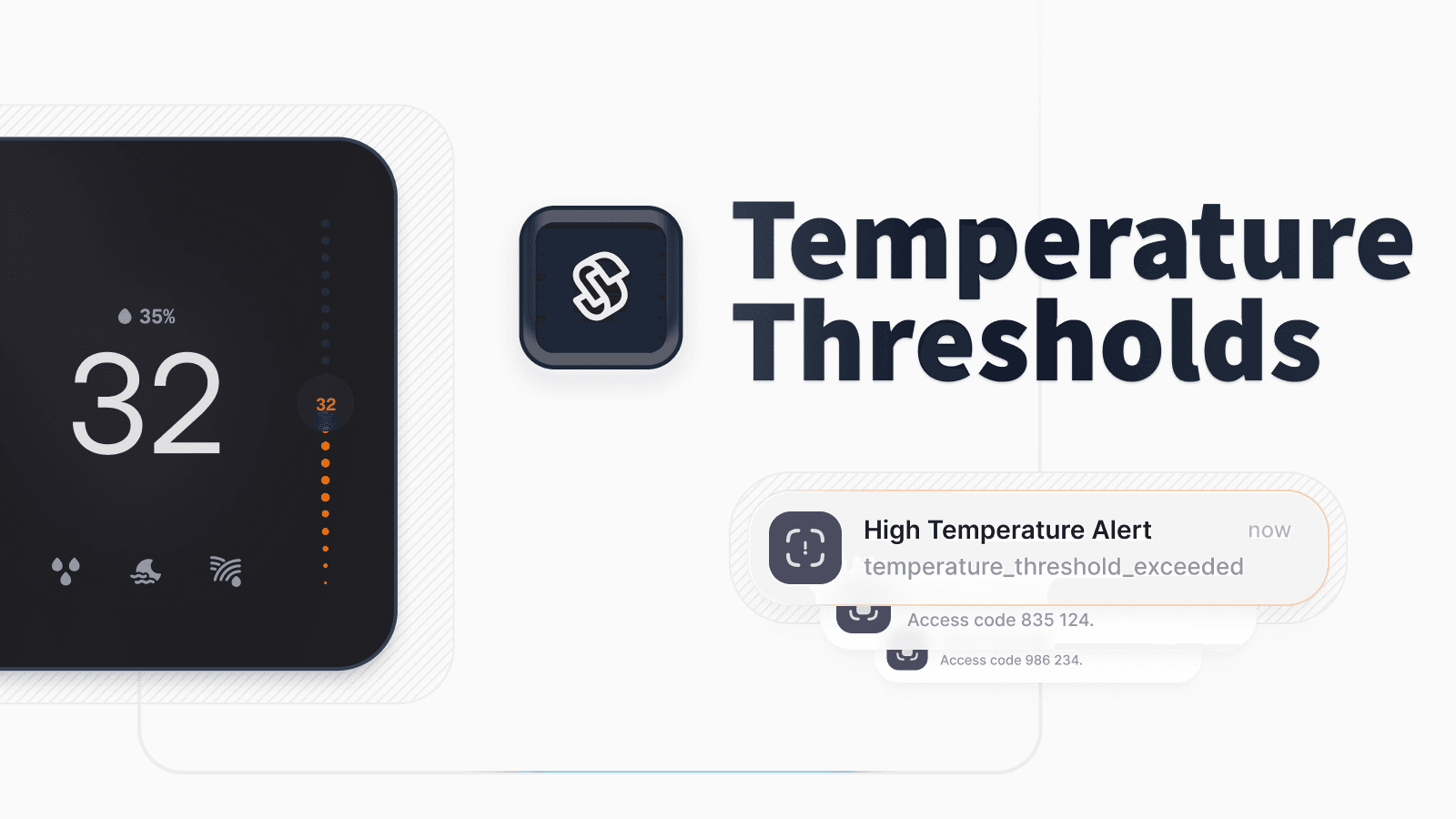
New Thermostat Temperature Threshold Monitoring
This week, we’re excited to announce new thermostat temperature range monitoring functionality. Our new temperature thresholds enable you to set a temperature range and receive event notifications whenever the current temperature reported by a thermostat crosses outside of the range. This can be handy for detecting malfunctioning HVAC systems or thermostat misuse, such as running the A/C too low.
To start, set upper and lower temperature thresholds for your thermostat. Then, if the thermostat reports a temperature outside this range, Seam emits a thermostat.temperature_threshold_exceeded event. Seam also adds a warning to the affected device.
Setting the Threshold
First, set the threshold range in Celsius or Fahrenheit using the new setTemperatureThreshold function with the desired upper and lower limit parameters.
Monitoring for Events
Next, monitor for incoming webhooks with the thermostat.temperature_threshold_exceeded event. This event includes the device_id of the affected thermostat, as well as the configured threshold values and the reported temperature that exceeded this threshold range.
For more details on this functionality, check out our updated docs.
2024.10.25 Changelog
New
-
device.addedevent: We’ve introduced adevice.addedevent to indicate when a new device is added to Seam or when a device is re-added to Seam after having been removed. This event pairs withdevice.removed, and we encourage you to usedevice.addedinstead ofdevice.connectedto confirm the addition of devices to Seam.device.connectedanddevice.disconnectedare intended for monitoring online and offline status changes. That is, this pair of events specifically addresses a device’s internet connection status.The new
device.addedevent is especially useful for devices that are always considered offline, such as devices that support offline access codes. -
New
methodproperty forthermostat.manually_adjustedevent: We added a newmethodproperty for thethermostat.manually_adjustedevent. This property indicates whether the thermostat adjustment was caused by the Seam API (seam) or by a person making a change at the thermostat (manual). While API-triggered events provide information on the usage of your app, manual events inform you about guest behavior.
Changed
- Improved Google Nest name display: We now display more descriptive Google Nest device names, which makes it easier to distinguish between multiple Nest devices, especially in the Seam Console.
- Seam thermostat actions for Ecobee: When you issue an “imperative” thermostat action, such as
/thermostats/heat, we now override the thermostat’s native scheduling for Ecobee devices. We’re adding this functionality for Honeywell thermostats next.
Fixes
- Unmanaged code deletion: We fixed an edge-case where deleting unmanaged codes could lock devices into a state in which no other codes could be added or removed.