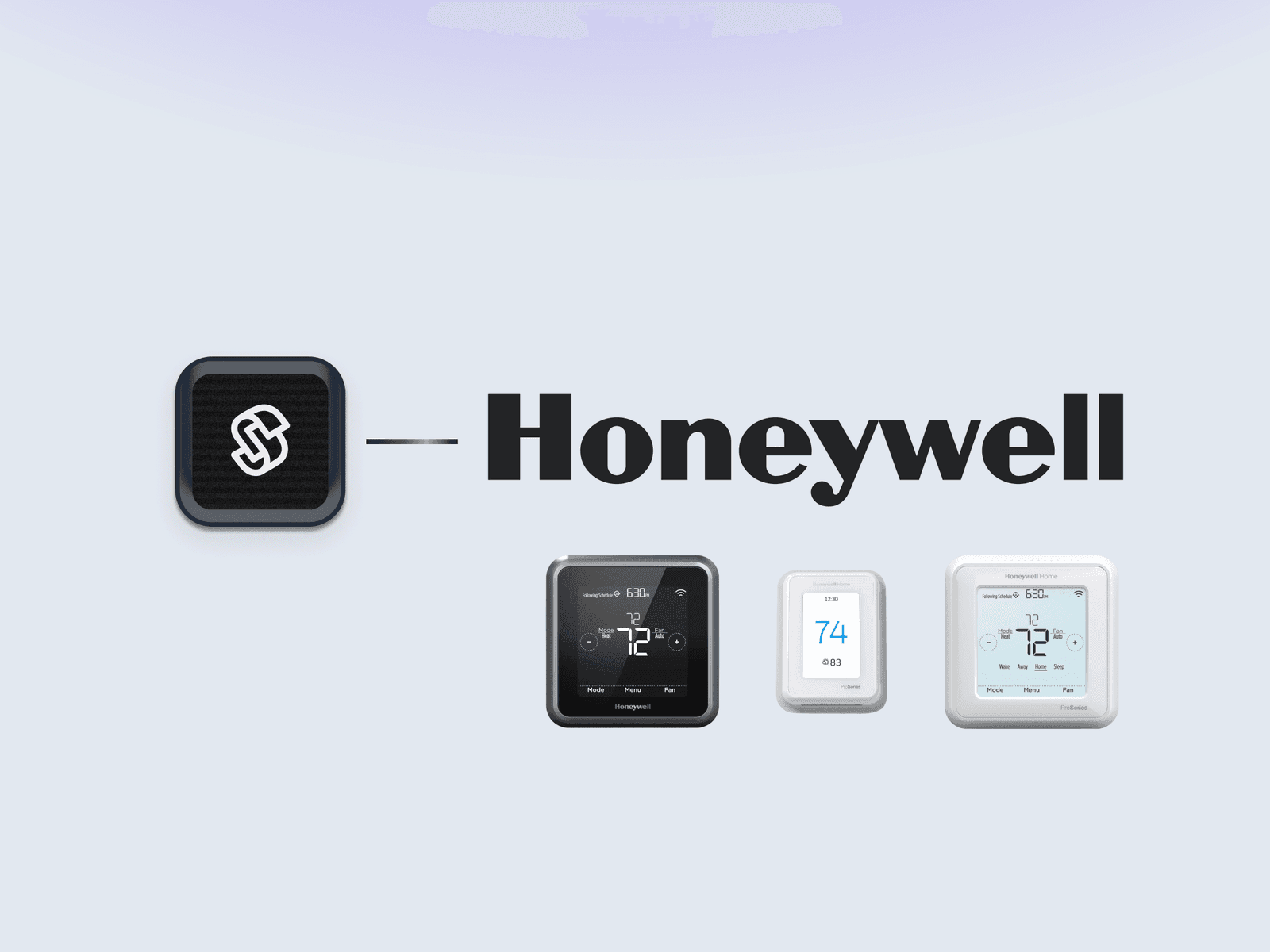
This week, we are super excited to release our official Honeywell Thermostat integration! Along with Ecobee and Nest thermostats, you can now connect and control all Honeywell Resideo thermostats and control them through our SDKs, Seam-CLI, and the Seam Console.
Our office has a number of Honeywell thermostats. With the winter weather overtaking typically sunny California, we can confirm that the Seam CLI has been handy to crank up the heat on the Honeywell thermostats without having to get up and walk over to the actual thermostat…
Some resources to get you started with this integration:
As always, this integration will be in beta for the next couple of weeks; though we’ve thoroughly tested this integration, if you see any inconsistencies or bug, please let us know and we’ll patch issues right away.
Changelog
Added
- Tedee: we added the ability to update an access code set on a Tedee device.
- Seam Bridge: you can now setup Seam Bridge for on-prem systems through the Seam Connect Webview. If you need to connect on-prem devices or systems, contact us and we’ll fill you in on this Seam Bridge.
- Seam Console & Account Disconnection: we added a button to let you quickly reconnect a third-party account; we also renamed the disconnect button to “delete” to avoid confusion with disconnection events tied to auth tokens expiring.
Fixed
- Seam Components: we shipped a couple of visual tweaks to remove unnecessary borders and make components look generally better :)