

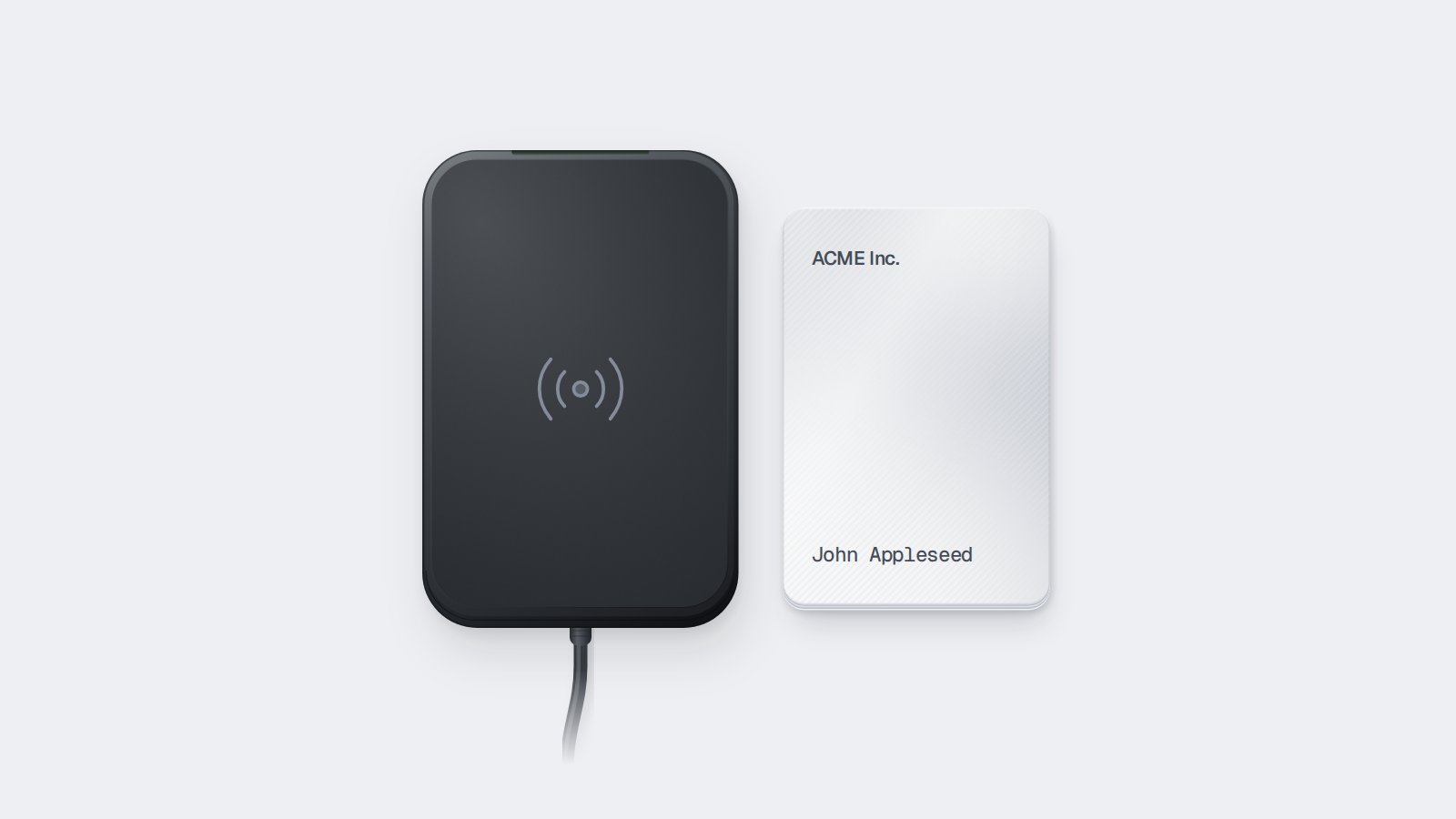
card access method in an Access Grant, Seam creates a card credential. Depending on your access control system, you then either encode the credential onto a blank card using a card encoder, or assign it to an existing card by its card number.
Key cards work with:
- Access control systems — Salto KS, Salto Space, ASSA ABLOY Visionline and Vostio, dormakaba, Brivo, and other ACS platforms that support card-based credentials. Specify entrances with
acs_entrance_idsor usespace_ids.
Before You Begin
To use key cards, you need:- A Seam API key
- A connected ACS that supports card-based credentials
- A user identity representing the person who will receive the card
- An entrance that supports card access (
can_unlock_with_cardistrue) - For encoding: a compatible card encoder connected to Seam
Step 1: Verify Entrance Support
List the entrances for your ACS and confirm thatcan_unlock_with_card is true.
Step 2: Create an Access Grant with a Key Card
Create an Access Grant specifyingcard as the requested access method mode.
Step 3: Deliver the Key Card
List the access methods for the Access Grant. Two properties tell you how to deliver the card:is_encoding_requiredistrue: encode the card.is_assignment_requiredistrue: assign an existing card.
access_method.card_encoding_required event when a card is ready to encode.
Encoding Cards
To encode a card, place a blank or reusable card on a card encoder, then call/access_methods/encode with the access method ID and the encoder’s acs_encoder_id. To find the encoder ID, call /acs/encoders/list for your ACS. A site may have several encoders, such as one at each front desk.
- Poll
/action_attempts/getuntil the action attempt’sstatusissuccess. - Listen for the
access_method.issuedwebhook event, oraccess_method.reissuedif you re-encoded a card.
is_issued property is true and issued_at records when the card was encoded.
If encoding fails, the action attempt’s status is error. Fix the cause and call /access_methods/encode again:
You can encode each access method onto only one card. To issue another card, request another
card access method. To reuse a physical card, re-encode it with a new access method.Assigning Cards
Ifis_assignment_required is true, assign an existing card to the access method by providing its card number. This is common with systems that use pre-registered cards.
Use the Seam API to input the card_number for the access method:
is_issued property is true. Hand the card to your user.
Step 4: See Which Doors the Key Card Covers
An access method can cover multiple doors — for example, if the Access Grant includes several entrances or spaces. To see which doors a key card unlocks, call/access_methods/get_related.
Next Steps
- Managing Access Grants — Update or revoke Access Grants, including when to re-encode cards.
- Creating an Access Grant — Learn more about specifying devices, entrances, and spaces.
- Access Methods API Reference — See all access method properties and endpoints.
- Encoders API Reference — See all encoder properties and endpoints.