

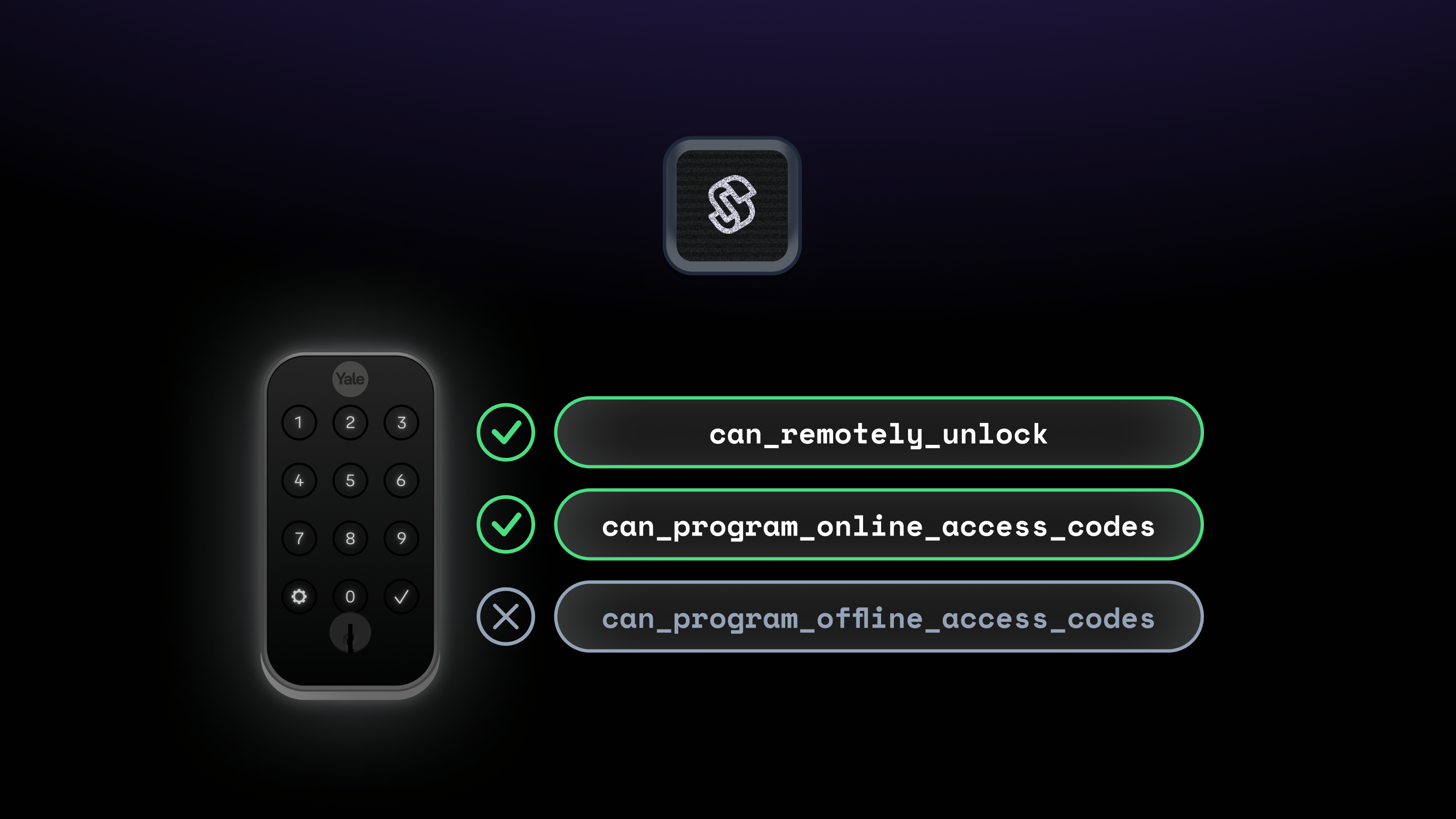
CreateAccessCodeForm Seam Component to your user. On the other hand, if a connected device does not support the remote unlock action, you’ll likely want to disable or not display the unlock functionality for your app user.
Capability Flags
Capability flags inform your application about what features and behaviors each device supports. That is, you can use capability flags to match devices to the requirements for operations within your app. These flags also compare the capabilities of a specific device instance with those of the device model in general.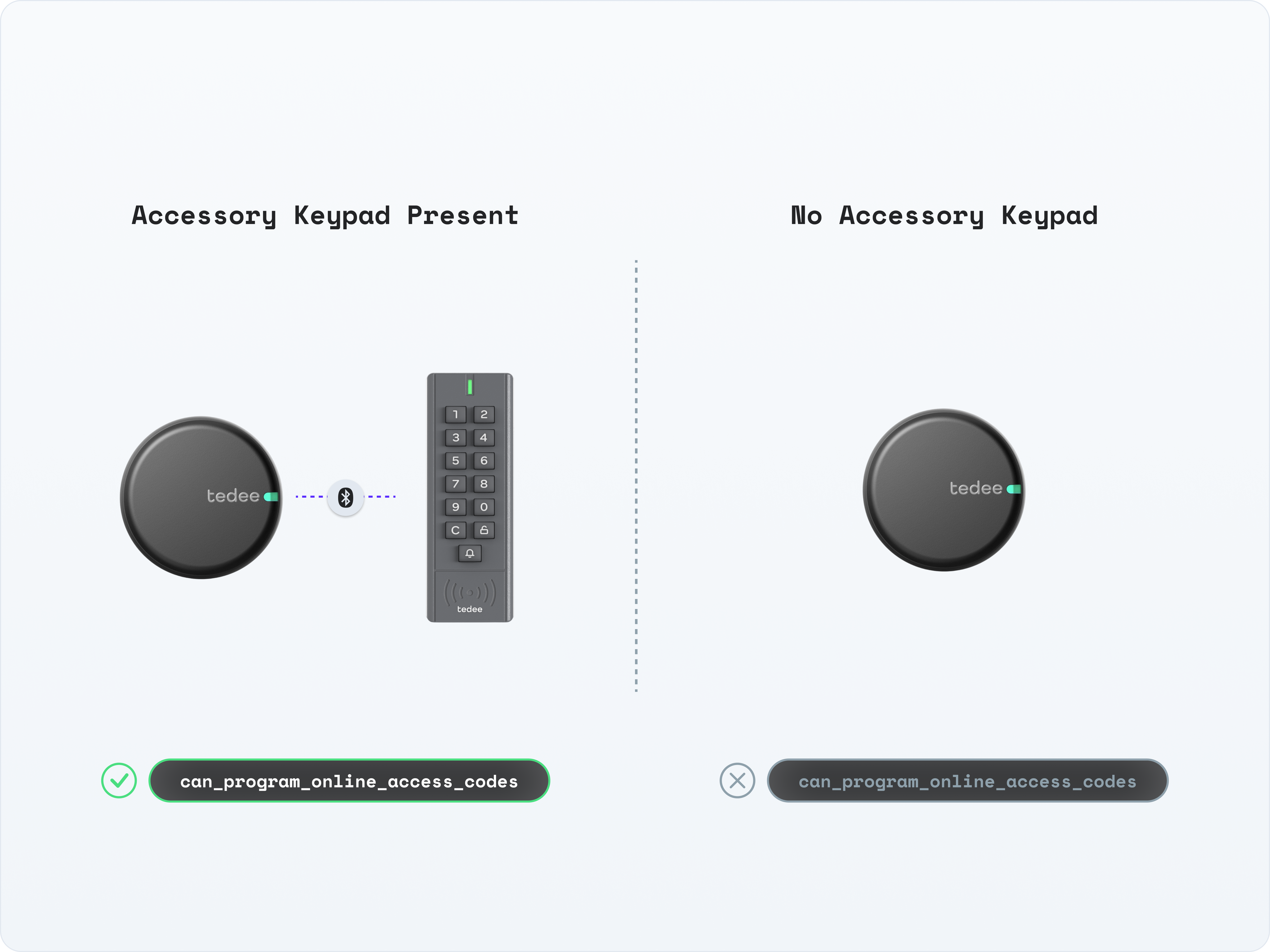
-
If
true, the device has this capability, and this capability is functional on this device instance. -
If
false, the device does not support this capability or the capability is not currently functional. See each flag’s description for its behavior. See the device errors and warnings for more details about the cause of this issue. You can also examine the properties of the device and events related to the device to learn more about the cause of this issue. - If not present, the device does not have this capability.
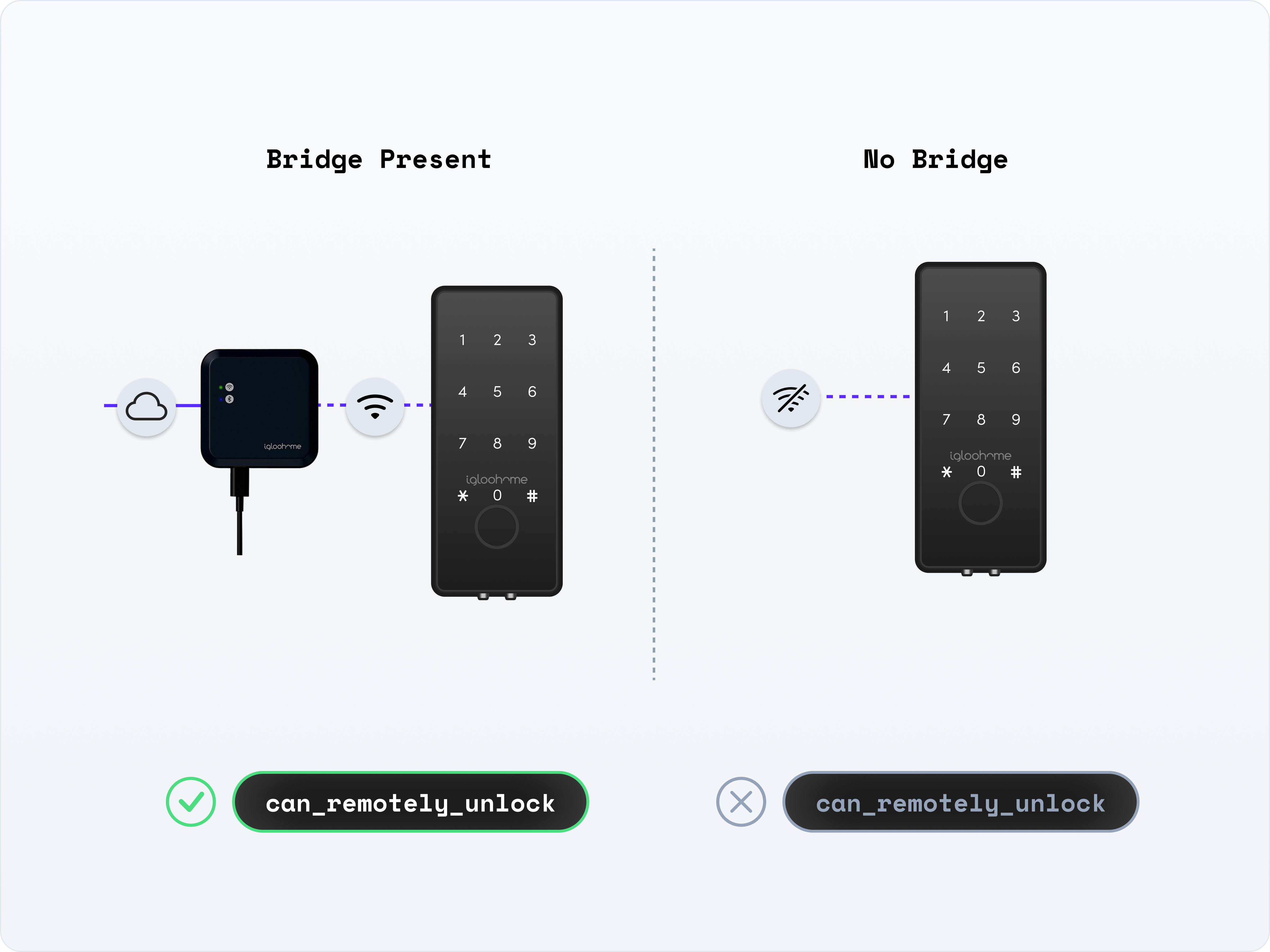
false could include that a required hardware accessory is not connected to the device. For example, if a lock needs a Wi-Fi bridge for connectivity and is currently not connected to a bridge, the lock cannot be remotely unlocked. If a lock is missing an accessory keypad, access codes cannot be programmed on the lock.
With respect to the ability to program online access codes, as long as a lock has the required hardware, Seam assumes that any offline status is temporary and will be resolved before it’s time to set the access code on the device. Consequently, in this case, Seam maintains can_program_online_access_codes as true.
In addition to viewing the capabilities for a specific device, you can also
view the capabilities for a provider using List Device
Providers. If
at least one supported device from a provider has a specific capability, the
corresponding capability flag is
true.Access
| Property | Type | Description |
|---|---|---|
device.can_remotely_unlock | Boolean | Indicates whether the device can perform a remote unlock operation. |
device.can_remotely_lock | Boolean | Indicates whether the device can perform a remote lock operation. |
device.can_program_online_access_codes | Boolean | Indicates whether the device can program online access codes. If true, it is currently possible to create new online
access codes for the device, and Seam programs the device the next time
it’s online. |
device.can_program_offline_access_codes | Boolean | Indicates whether the device can program offline access codes. When this flag is true, Seam can generate an offline code
for this device, regardless of the current online status of the device. |
Thermostats
| Property | Type | Description |
|---|---|---|
device.can_hvac_heat | Boolean | Indicates whether the thermostat device (in conjunction with the
associated HVAC system) supports heat mode. When this flag is true, you can set the thermostat to heat mode. |
device.can_hvac_cool | Boolean | Indicates whether the thermostat device (in conjunction with the
associated HVAC system) supports cool mode. When this flag is true, you can set the thermostat to cool mode. |
device.can_hvac_heat_cool | Boolean | Indicates whether the thermostat device (in conjunction with the
associated HVAC system) supports heat-cool (auto) mode. When this flag is true, you can set the thermostat to heat-cool mode. |
device.can_turn_off_hvac | Boolean | Indicates whether the thermostat device (in conjunction with the
associated HVAC system) supports off mode. When this flag is true, you can set the thermostat to “off” mode, which turns off both the heating and cooling systems for the space. |
device.can_activate_weekly_program | Boolean | Indicates whether the thermostat can resume the weekly program already configured on the device, releasing any hold that Seam has set. See Resuming a Thermostat Schedule. |
device.can_run_thermostat_programs | Boolean | Indicates whether the thermostat supports running daily and weekly climate programs. See Creating and Managing Thermostat Programs. |
device.can_program_thermostat_programs_as_weekday_weekend | Boolean | Indicates whether the thermostat supports using one daily climate program for weekdays and a different daily program for weekends. |
device.can_program_thermostat_programs_as_different_each_day | Boolean | Indicates whether the thermostat supports assigning a different daily climate program to each day of the week. |
device.can_program_thermostat_programs_as_same_each_day | Boolean | Indicates whether the thermostat supports applying the same daily climate program to every day of the week. |
Cameras
| Property | Type | Description |
|---|---|---|
device.can_stream_live_video | Boolean | Indicates whether the camera’s provider supports streaming live video and the camera is currently online. |
can_stream_live_video is false when the provider does not support live video or the camera is offline. The flag is absent on other device types. Check it again immediately before opening a live view. A live view also requires an authorized client session and is subject to session limits and errors.
Seam is actively developing additional capability flags to provide you with
even more robust capability checking abilities for your app. If you would like
us to add a specific capability flag, contact
support@seam.co.