
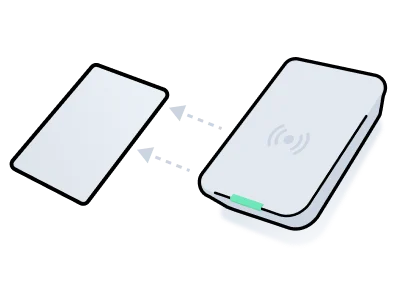
Present a plastic key card to a card encoder or scanner Some access control systems require credentials to be encoded onto plastic key cards using a card encoder. This process involves the following two key steps:
  1. Credential creation Create a card-based credential for an ACS user and configure its access parameters.
  2. Card encoding Write the credential data onto the card using a compatible card encoder.
If you grant access using Access Grants, see Encoding Cards in the Using Key Cards guide instead.
Separately, the Seam API also supports card scanning, which enables you to scan and read the encoded data on a card. You can use this action to confirm consistency with ACS records or diagnose discrepancies if needed. To verify if your ACS requires a card encoder, see the system integration guide for your ACS.
encode-card

Creating and Encoding Card-based Credentials
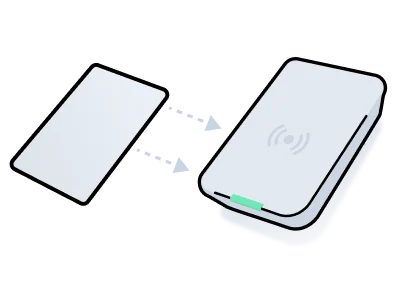
scan-card

Scanning Encoded Cards