

Overview
Resideo Connect is Resideo’s app for managing smart thermostats. Seam integrates with thermostats on a Resideo Connect account to provide heating, cooling, and thermostat program management through a unified API.Resideo Connect is a different app from the Resideo app, which Honeywell Home thermostat owners use. If your thermostats are in the Resideo app, see Honeywell Resideo Thermostats.
Supported Devices
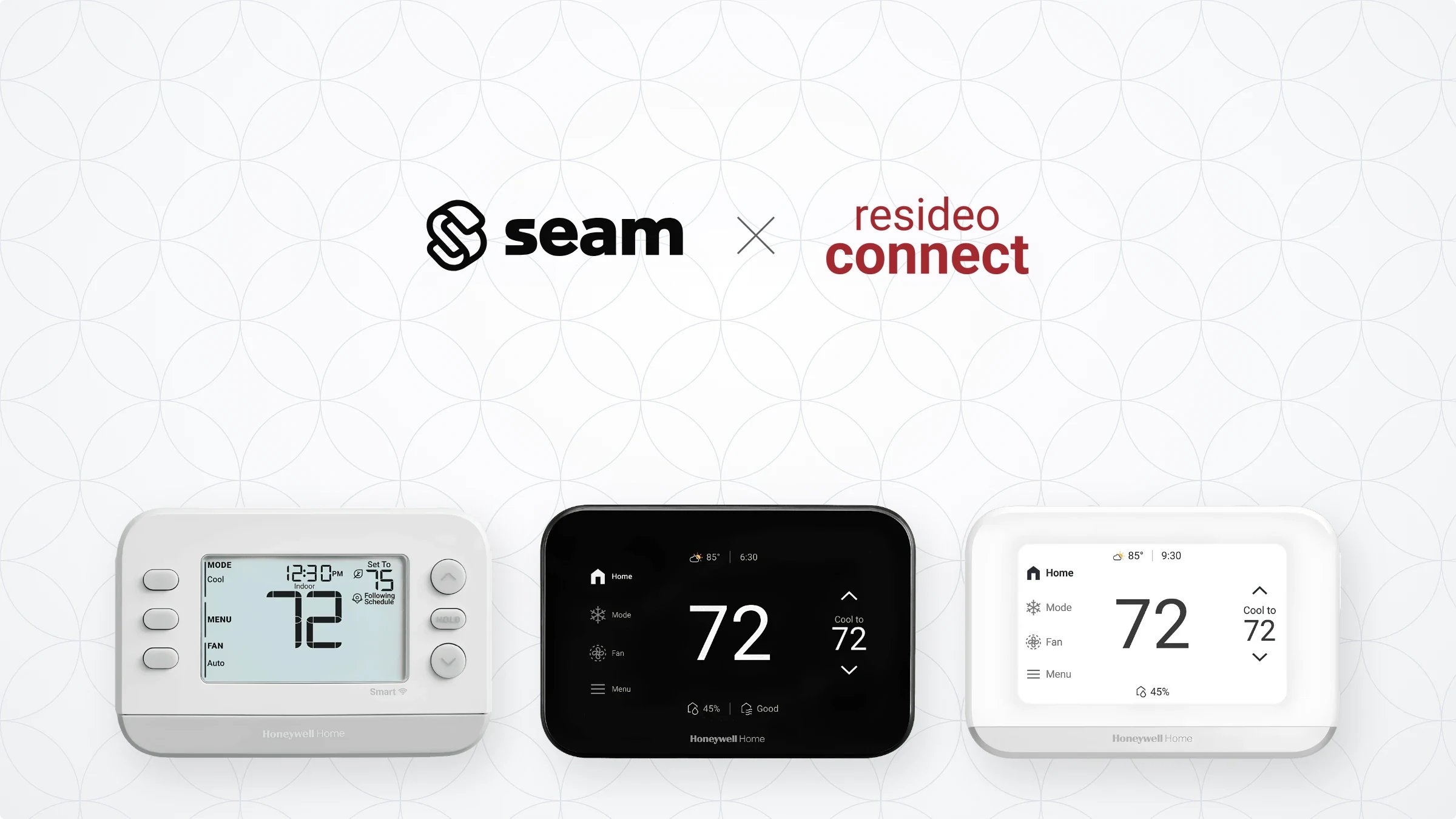
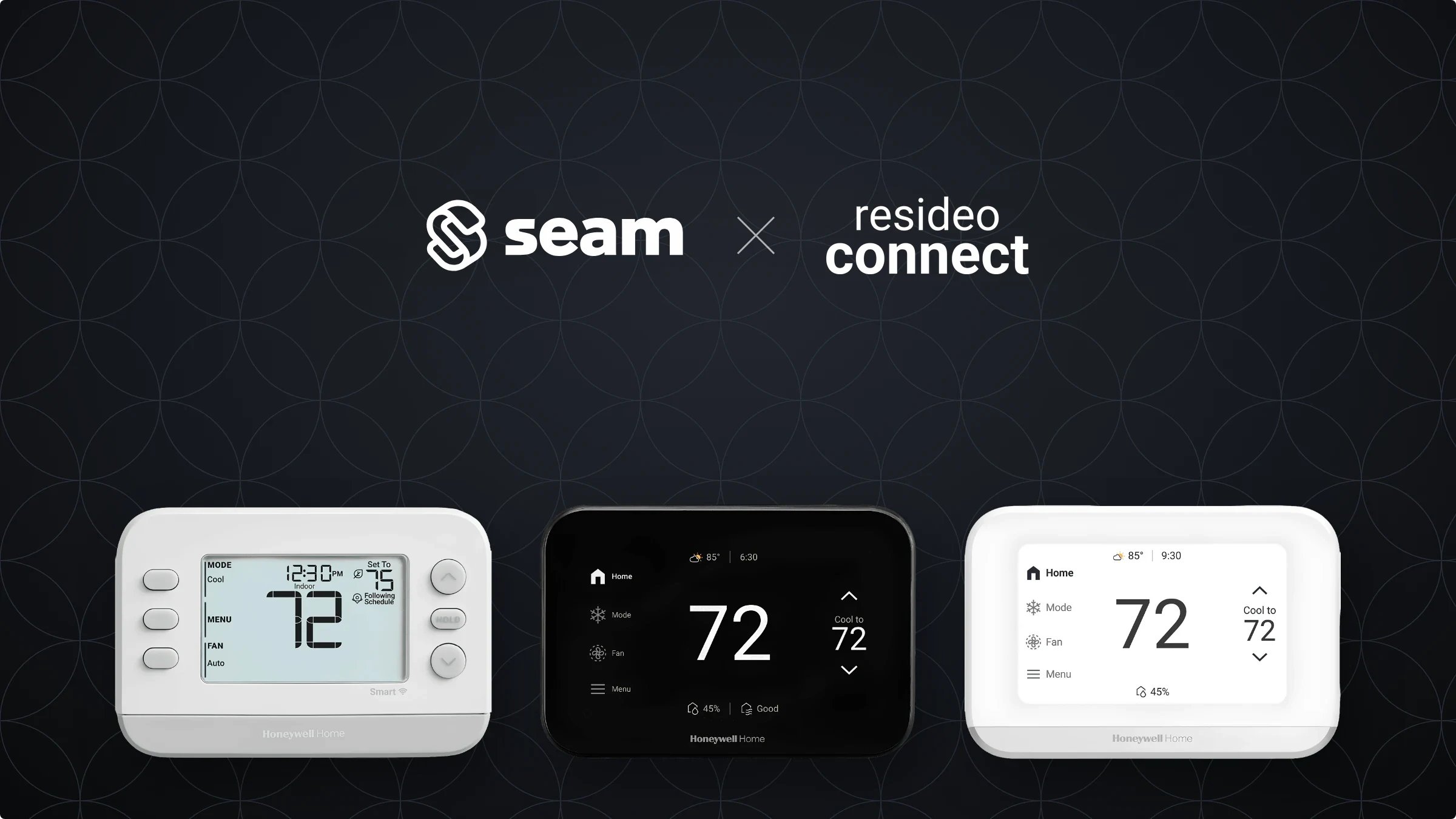
The thermostat models above are catalogued under Honeywell. For details on each model, see our Honeywell Supported Devices page.Supported Features
We support the following features:- Configuring current thermostat settings
- Creating and managing climate presets
- Creating and managing thermostat schedules
- Creating and managing thermostat weekly programs
- Setting and monitoring temperature thresholds
Device Provider Key
Seam identifies these devices with thefirst_alert device provider key. By default, a Connect Webview displays all of the stable providers that Seam supports, so your users can connect their Resideo Connect thermostats without you specifying a provider list. To narrow what a Connect Webview displays, see Customize the Brands to Display in Your Connect Webviews.