

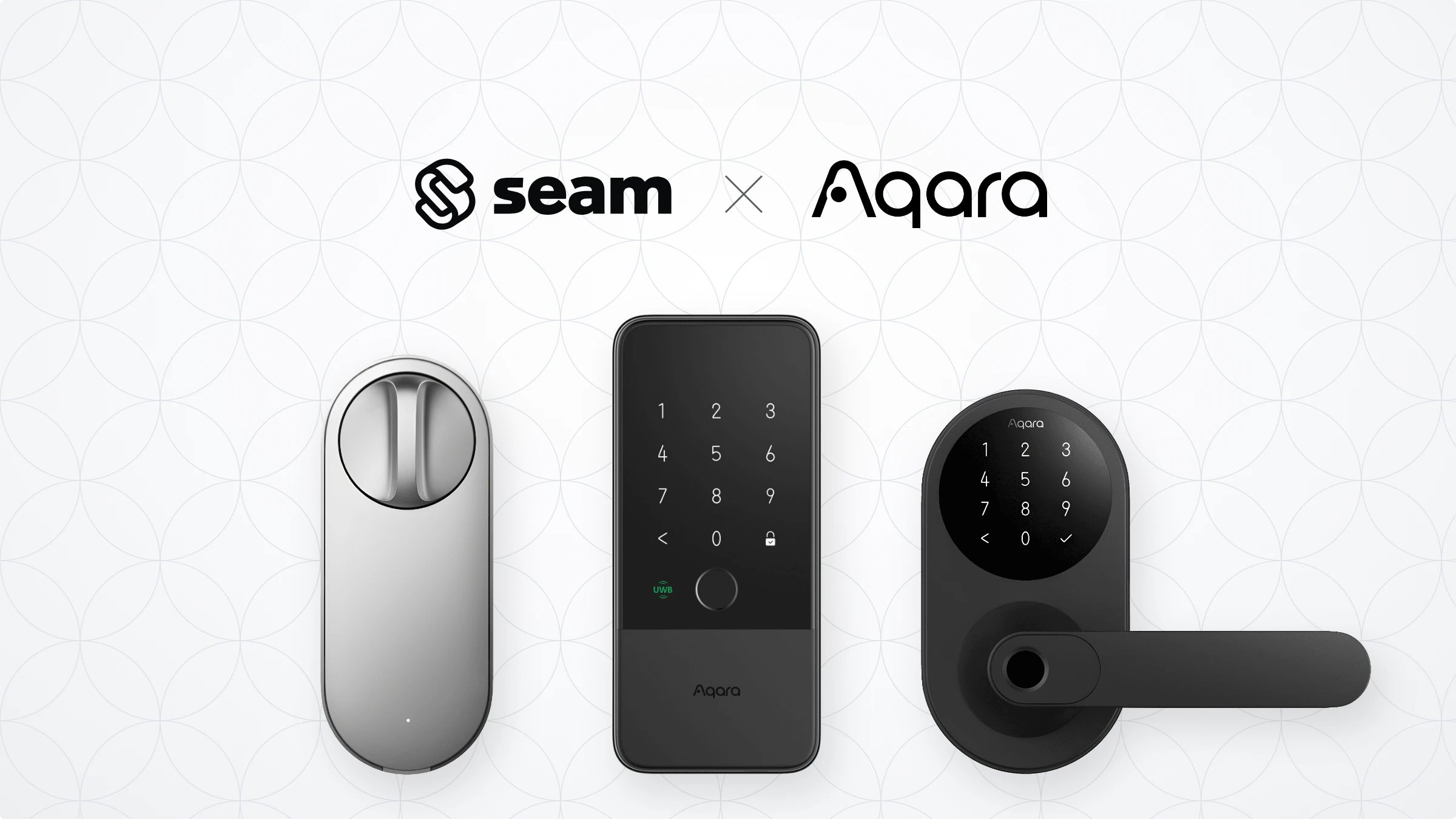
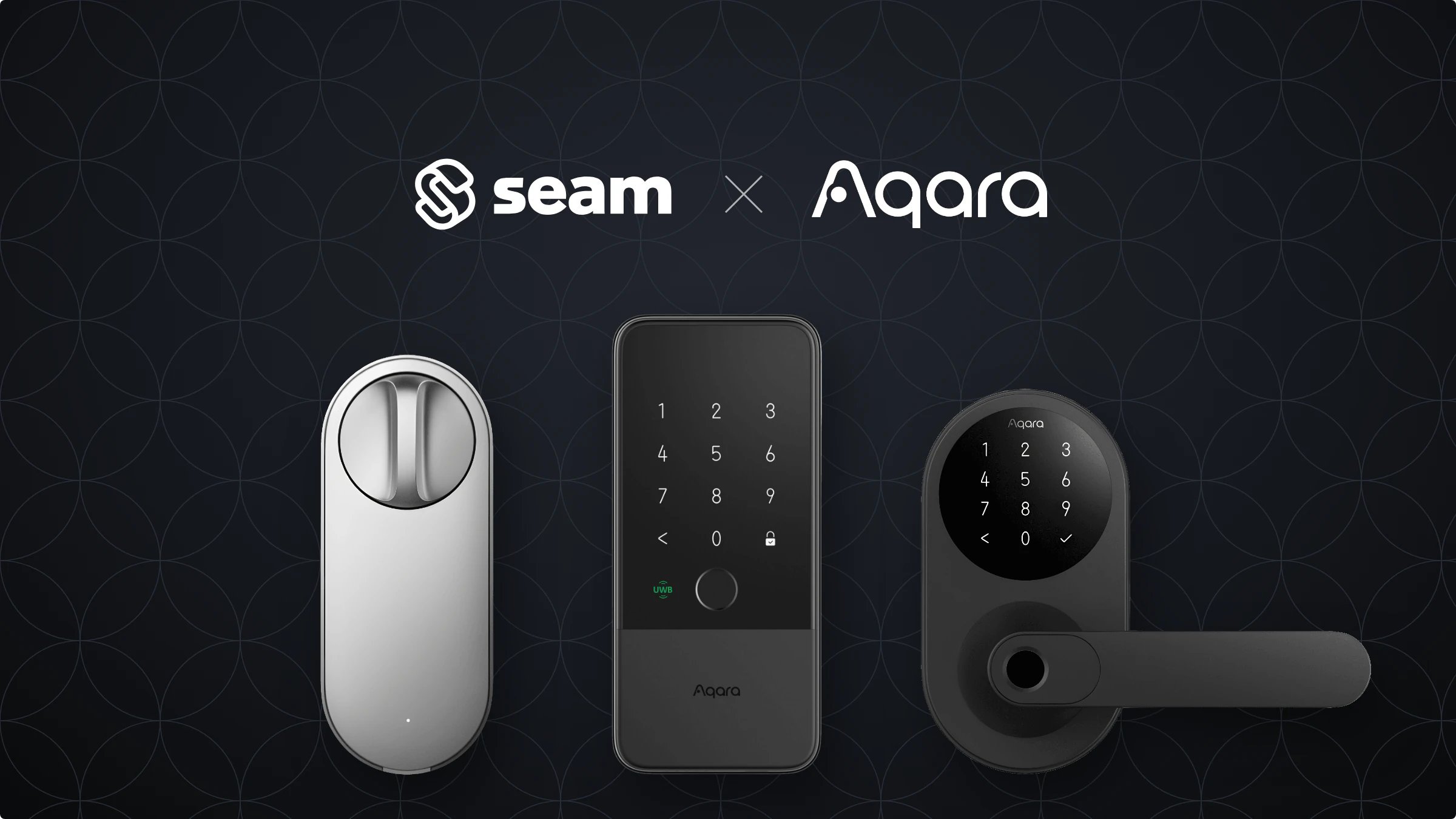
Overview
Aqara produces smart home devices, including smart locks designed for residential homes and rental properties. The Aqara U200 and U400 are Matter-enabled smart locks that connect through an Aqara hub. Seam integrates with Aqara’s cloud API to provide remote lock and unlock actions, as well as online access code programming.Aqara locks require an Aqara hub to connect to the internet. Make sure you have a compatible Aqara hub set up before connecting your locks to Seam.
Supported Devices
Seam supports the following Aqara lock models:- Aqara Smart Lock U200 — Matter-enabled smart lock with keypad
- Aqara Smart Lock U400 — Matter-enabled smart lock with keypad
Supported Features
We support the following features:- Triggering web lock and unlock actions
- Programming online access codes on locks that have a keypad
Brand-Specific Restrictions
Aqara locks connect through an Aqara hub. If the hub goes offline or loses its internet connection, Seam cannot reach the lock for remote actions or access code programming. During the Connect Webview, you must select the region that matches your Aqara account (for example, United States, Europe, or Singapore). Selecting the wrong region prevents Seam from connecting to your account.Device Provider Key
Seam identifies these devices with theaqara device provider key. By default, a Connect Webview displays all of the stable providers that Seam supports, so your users can connect their Aqara devices without you specifying a provider list. To narrow what a Connect Webview displays, see Customize the Brands to Display in Your Connect Webviews.