

Overview
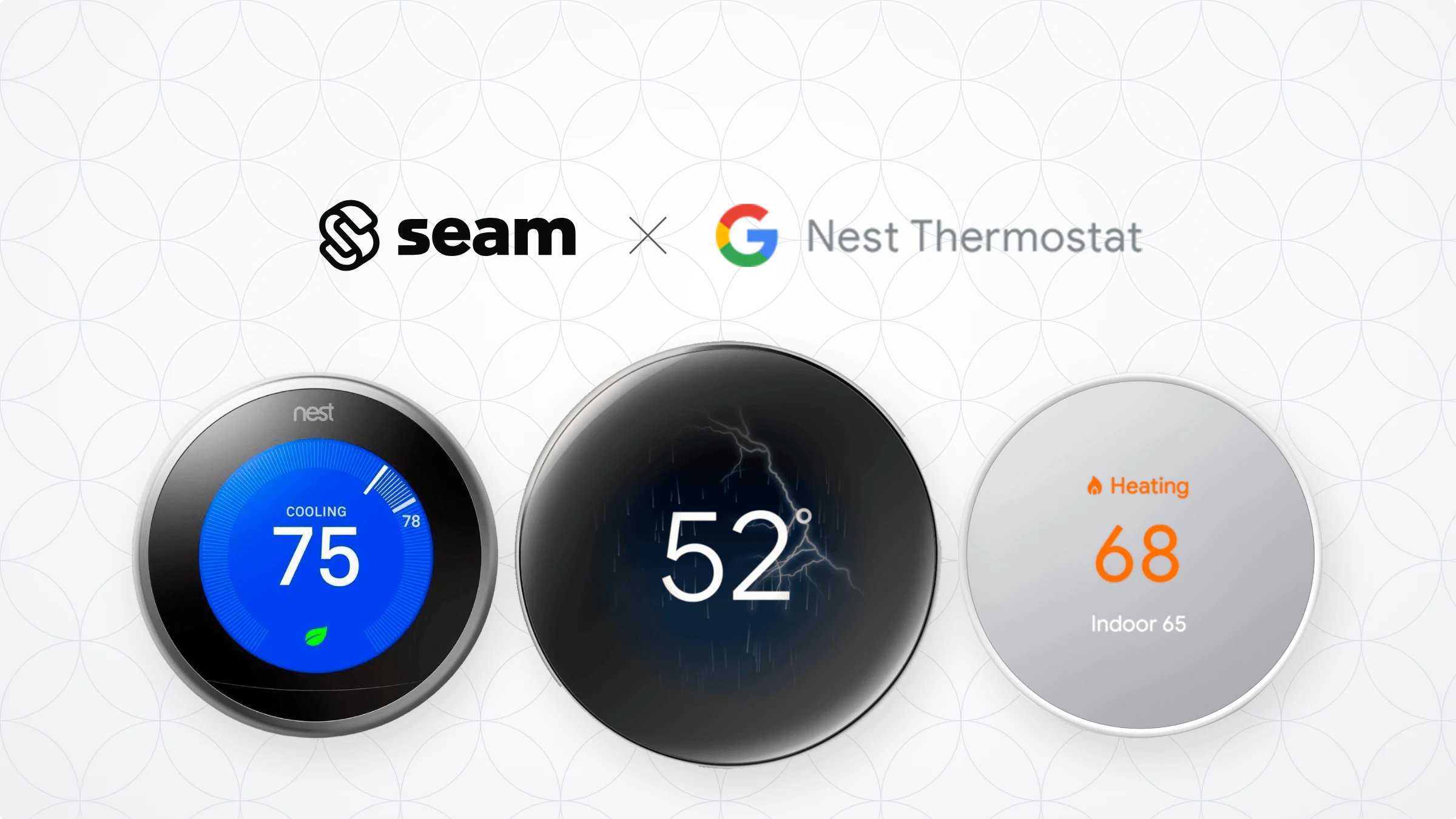
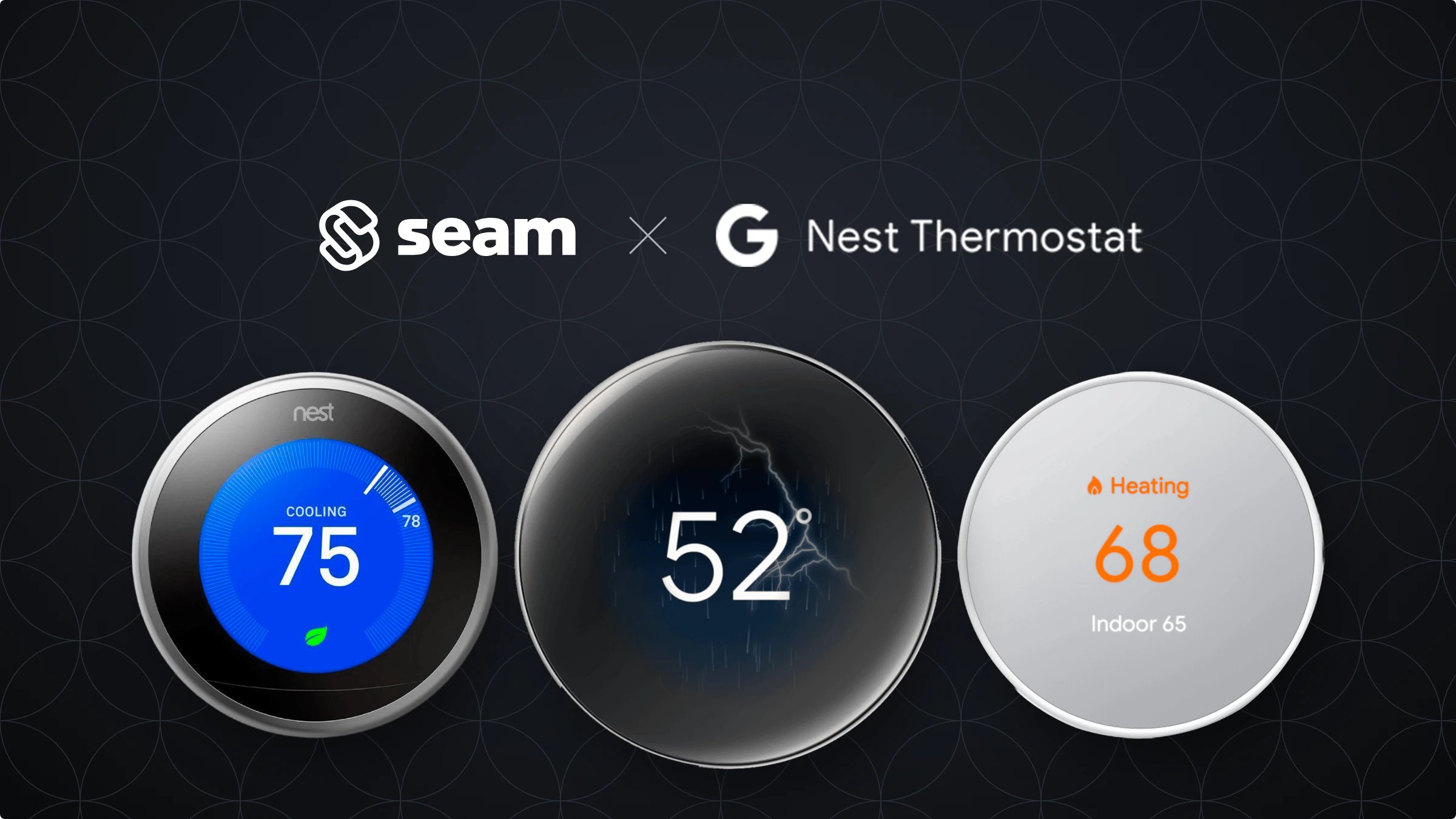
Google produces Nest smart thermostats as part of the Google smart home product group. Nest thermostats are designed to lower energy costs through energy efficiency features, such as remote climate monitoring and control, as well as climate setting scheduling. Google also produces an optional Nest Temperature Sensor accessory to prioritize certain rooms.Supported Devices
This integration supports all Nest thermostats. For detailed information about the Google Nest devices that Seam supports, see our Nest Supported Devices page.Supported Features
We support the following features:- Configuring current thermostat settings
- Creating and managing climate presets
- Creating and managing thermostat schedules
- Creating and managing thermostat weekly programs
- Setting and monitoring temperature thresholds
Device Provider Key
Usegoogle_nest in a Connect Webview’s accepted_providers. The List Device Providers response identifies the same integration as nest. By default, a Connect Webview displays all of the stable providers that Seam supports, so your users can connect their Nest devices without you specifying a provider list. To narrow what a Connect Webview displays, see Customize the Brands to Display in Your Connect Webviews.
Setup Instructions
For instructions on connecting Google Nest thermostats to Seam, see the Google Nest Setup Guide.Brand-Specific Features
Google Nest thermostats support an eco HVAC mode. To set a Google Nest thermostat to eco mode, use the/thermostats/set_hvac_mode endpoint. For details, see HVAC Mode and Setting the Current HVAC and Fan Mode Settings.
Troubleshooting
If your Google Device Access project does not have Google Commercial Development, and your end user attempts to connect a Google Nest thermostat to Seam using a Connect Webview, the Connect Webview displays the following error:No access to partner Information could not be retrieved. Please contact <Your Company Name> to verify that your account has been properly set up. You may need to add the developer email address as a home member in the Google Home app settings.Without Google Commercial Development, you can only connect devices associated directly with your own Google test users’ accounts to Seam.
Where to Order
Order Nest thermostats from the Google online store or from Amazon.
Google Online Store
