
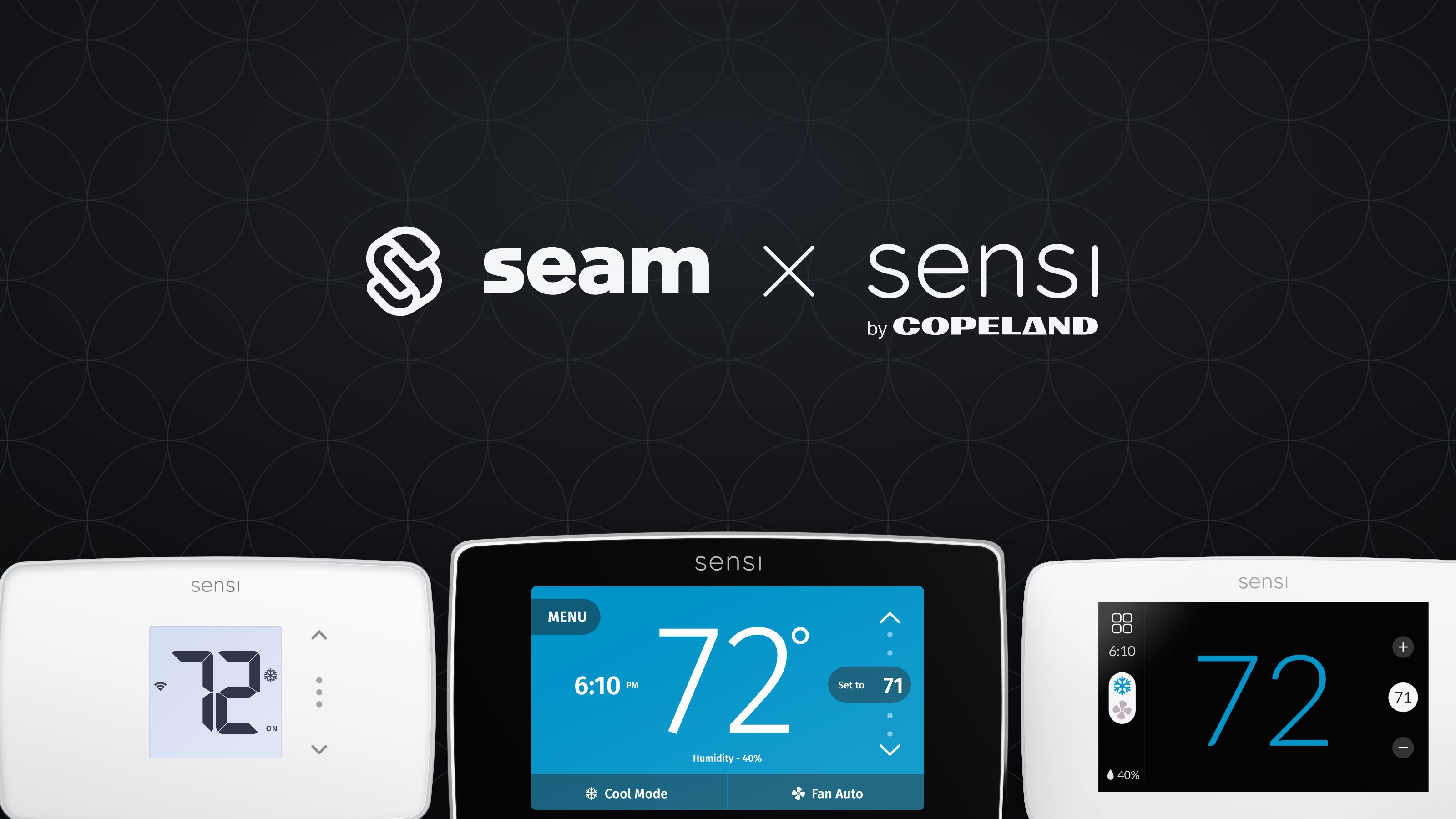
Overview
Sensi produces smart thermostats for home and light commercial climate control. Focusing on convenience and sustainability, Sensi thermostats provide comfort and energy efficiency features. Sensi thermostats are designed for ease of use and offer features like scheduling, energy usage reports, and geofencing to optimize home temperature management.Supported Devices
This integration supports all Sensi thermostats. For detailed information about the Sensi devices that Seam supports, see our Sensi Supported Devices page.Supported Features
We support the following features:- Configuring current thermostat settings
- Creating and managing climate presets
- Creating and managing thermostat schedules
- Creating and managing thermostat weekly programs
- Setting and monitoring temperature thresholds
Device Provider Key
Seam identifies these devices with thesensi device provider key. By default, a Connect Webview displays all of the stable providers that Seam supports, so your users can connect their Sensi devices without you specifying a provider list. To narrow what a Connect Webview displays, see Customize the Brands to Display in Your Connect Webviews.
Setup Instructions
For instructions on connecting Sensi thermostats to Seam, see the Sensi Setup Guide.Brand-Specific Restrictions
Note the following Sensi-specific restrictions:Battery State
The Sensi API does not communicate the battery state of Sensi devices, so Seam cannot report the battery state for these devices. However, most Sensi thermostats are hard-wired.Heat-Cool Mode
Each Sensi thermostat reports whether it supports heat-cool (auto) mode. To check, get the device and look for thedevice.can_hvac_heat_cool capability flag. For more information about thermostat-related capability flags, see Thermostat Capabilities.
In heat-cool mode, Sensi applies the thermostat’s Temperature Limits as a single envelope around both set points. The Cooling Minimum limit becomes the floor for the heating set point, and the Heating Maximum limit becomes the ceiling for the cooling set point. Seam reports these limits on the device as min_cooling_set_point_celsius (or _fahrenheit) and max_heating_set_point_celsius (or _fahrenheit). A heat-cool request whose heating set point is below min_cooling_set_point_* or whose cooling set point is above max_heating_set_point_* fails with an out_of_range_setpoints_error.
For example, with a Cooling Minimum of 68°F and a Heating Maximum of 73°F, Sensi accepts a heat-cool request of 68°F / 73°F but rejects 60°F / 80°F. This differs from heat-only and cool-only modes, where each limit applies only to its own set point.
To widen the envelope, change the Temperature Limits in the Sensi app: tap the thermostat, then the settings gear, then System settings, then Temperature Limits. To allow a heat-cool request of 60°F / 80°F, set the Cooling Minimum to 60°F or lower and the Heating Maximum to 80°F or higher. Limits are set per thermostat and can only be changed in the Sensi app, not on the thermostat itself. Seam syncs Sensi thermostats every 10 minutes, so allow that long after changing a limit before retrying.
Sensi Classic and Sensi Touch 1 thermostats cannot change both set points at once while in heat-cool mode and running a schedule.
Where to Order
To purchase Sensi thermostats, visit the Sensi online store.| https://sensi.copeland.com/en-us/products | sensi-logo.png |